





Client Portal
The client portal extends Bznz Book beyond the public website into authenticated business management: profile data, service listings, portfolio entries and project/application views all live in one clear workspace.
Every section, explained.
5 working sections inside Client Portal — each one a screen we designed, built and tested in the live system.
Profile
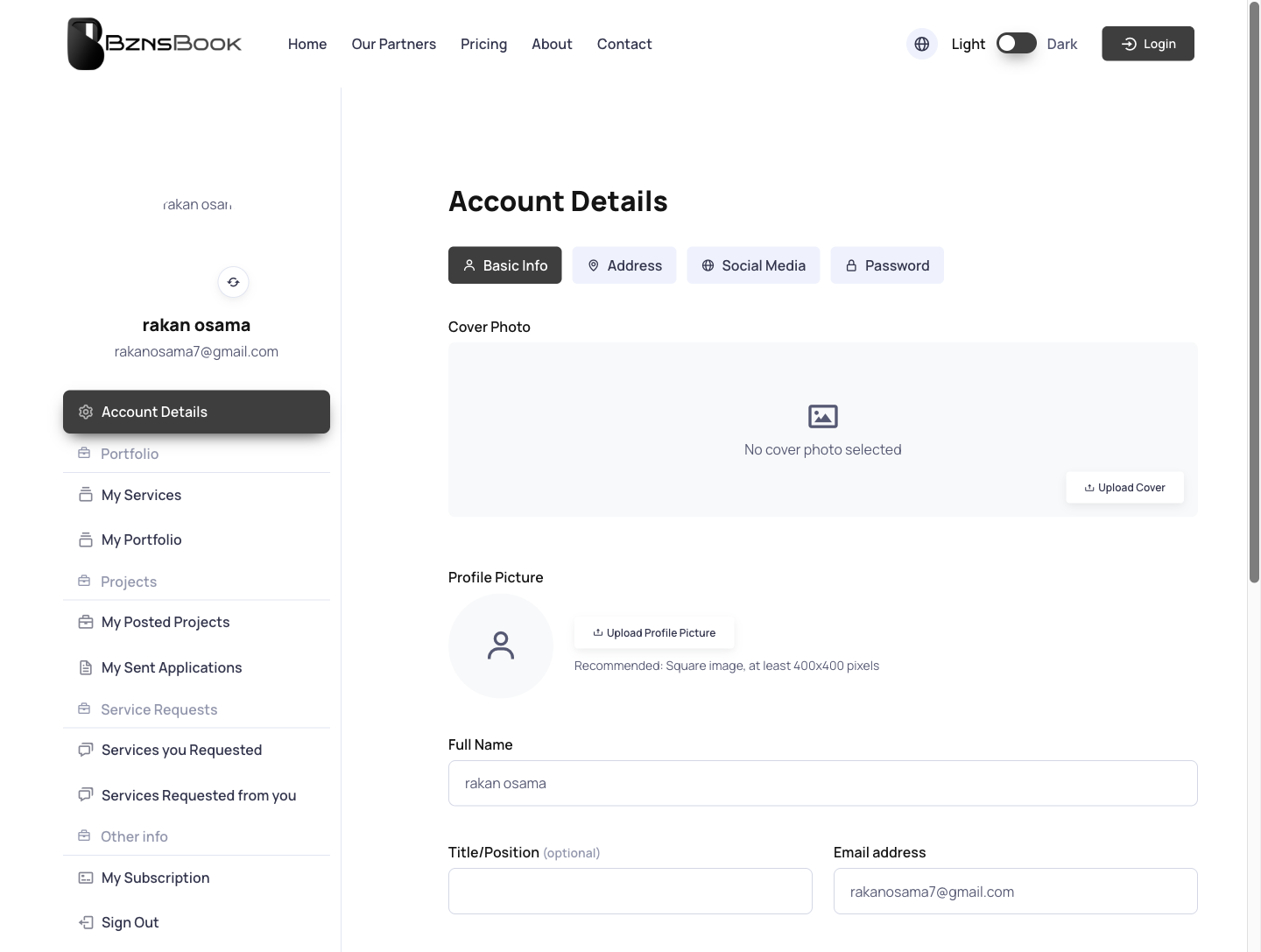
The profile screen gives each client a central place to review and manage their company presence inside Bznz Book.
- Company profile workspace
- Client-facing account surface
- Business details grouped clearly
- Action-oriented portal layout
Profile Services
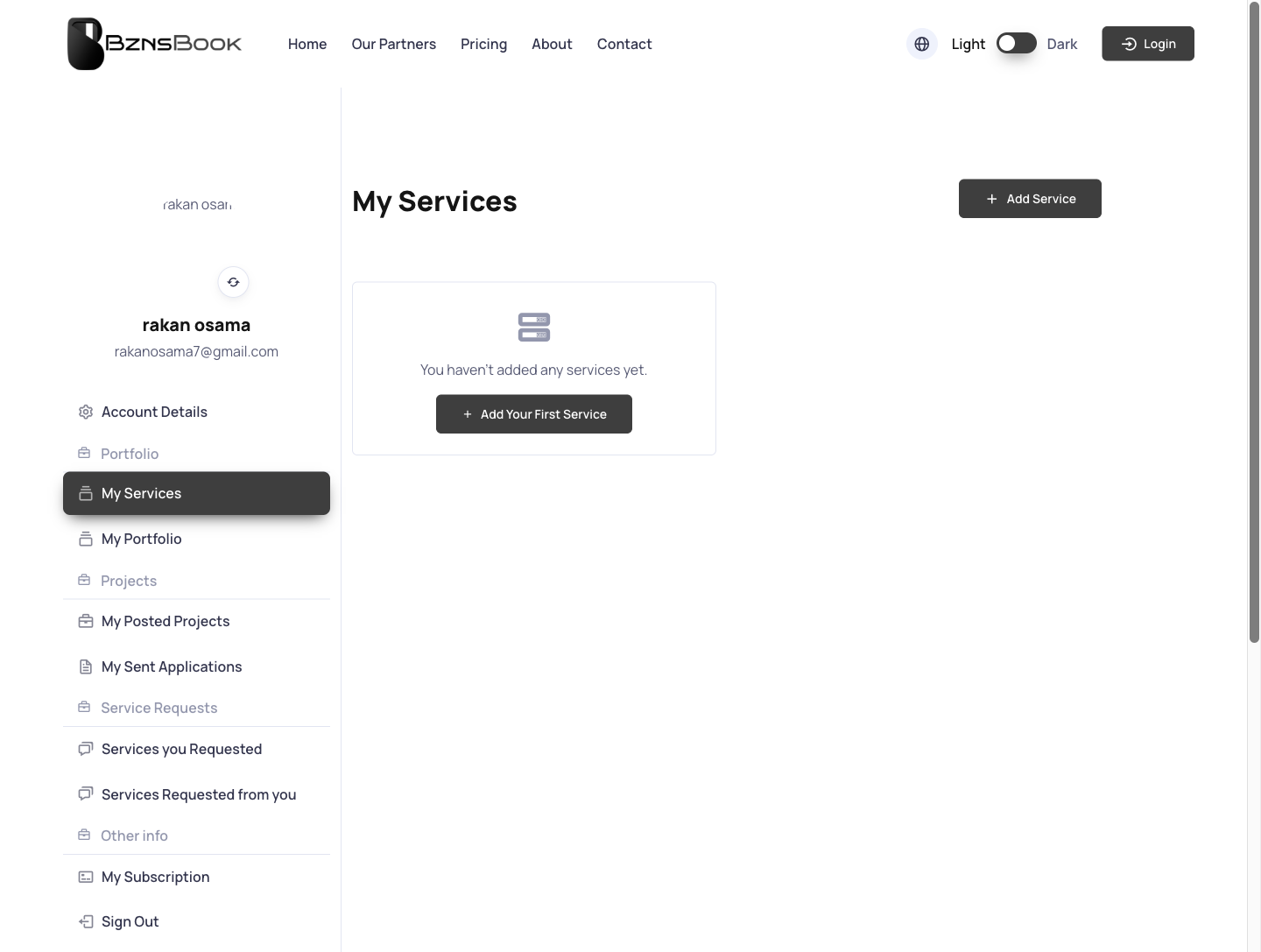
Services are separated into their own profile section so clients can present what they offer without mixing it into general company data.
- Service listing management
- Profile-linked service records
- Clear content hierarchy
- Expandable structure for future services
Profile Portfolio
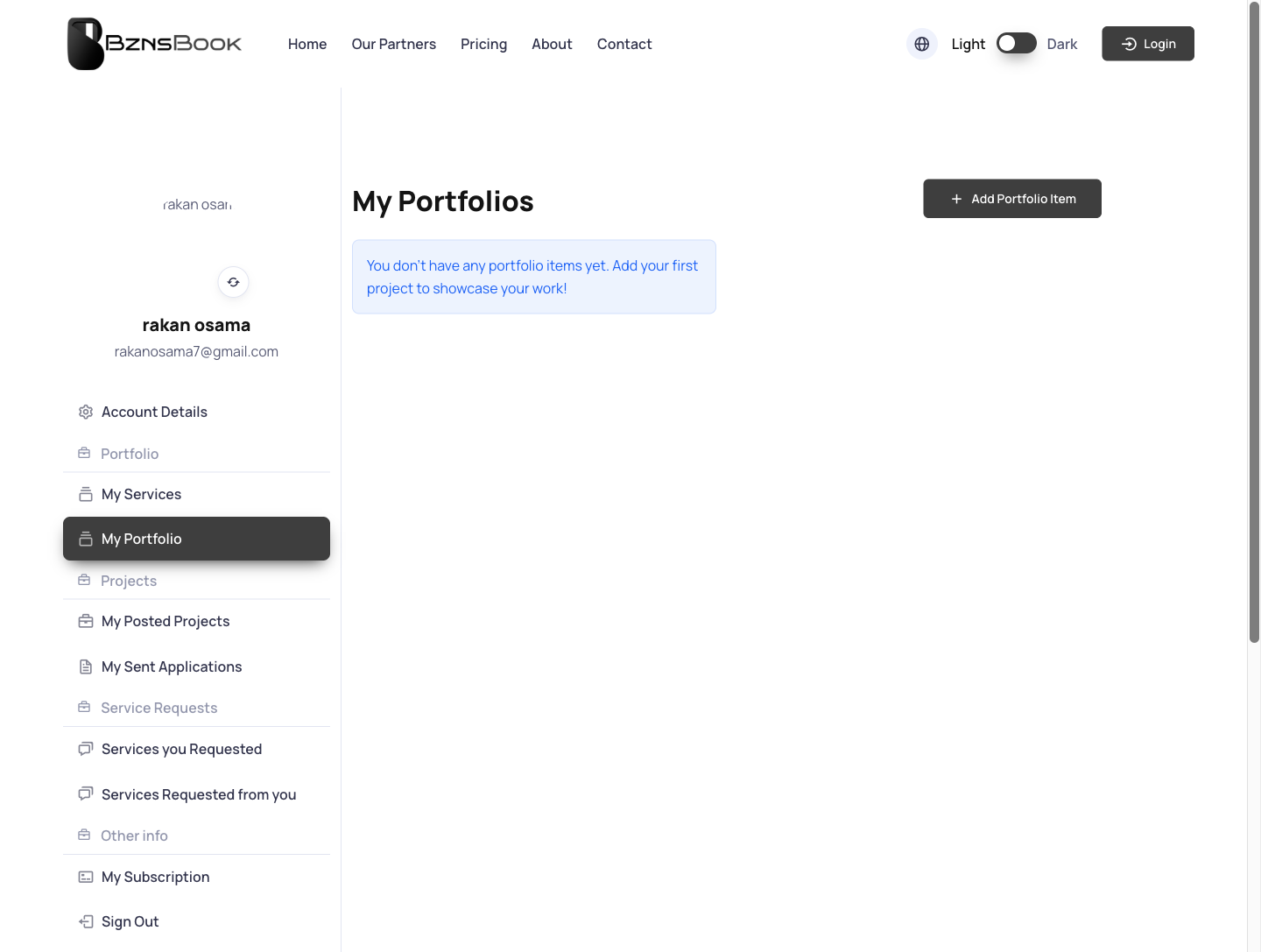
Portfolio management gives companies a way to show work and proof, turning the profile into a stronger sales surface.
- Portfolio item workspace
- Proof-of-work presentation
- Profile enrichment flow
- Reusable cards for project examples
Client Projects
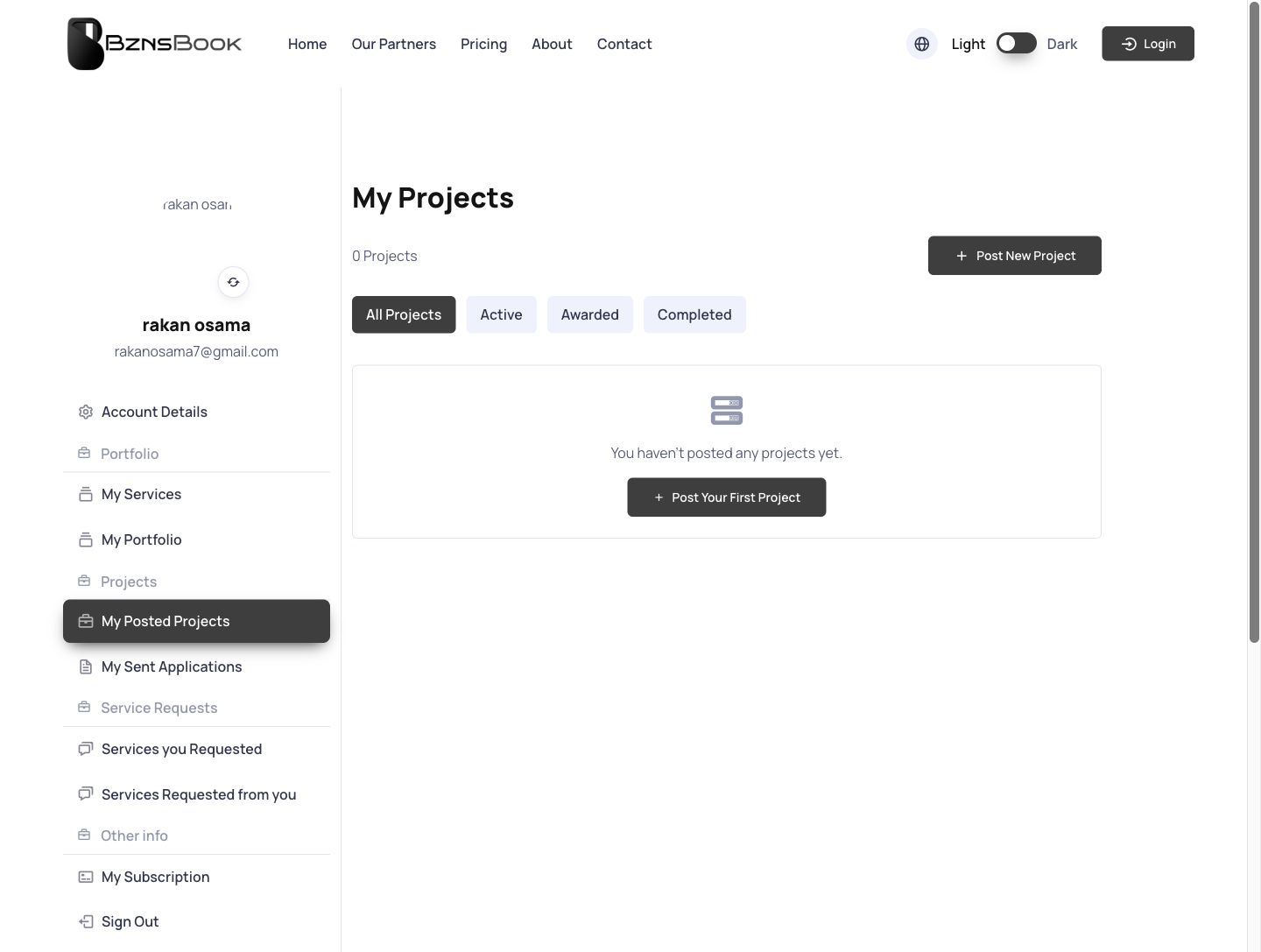
The projects page gives clients a consolidated view of their project records, keeping operational history visible inside the portal.
- All-projects client view
- Centralized project history
- Status-ready listing structure
- Workspace continuity after login
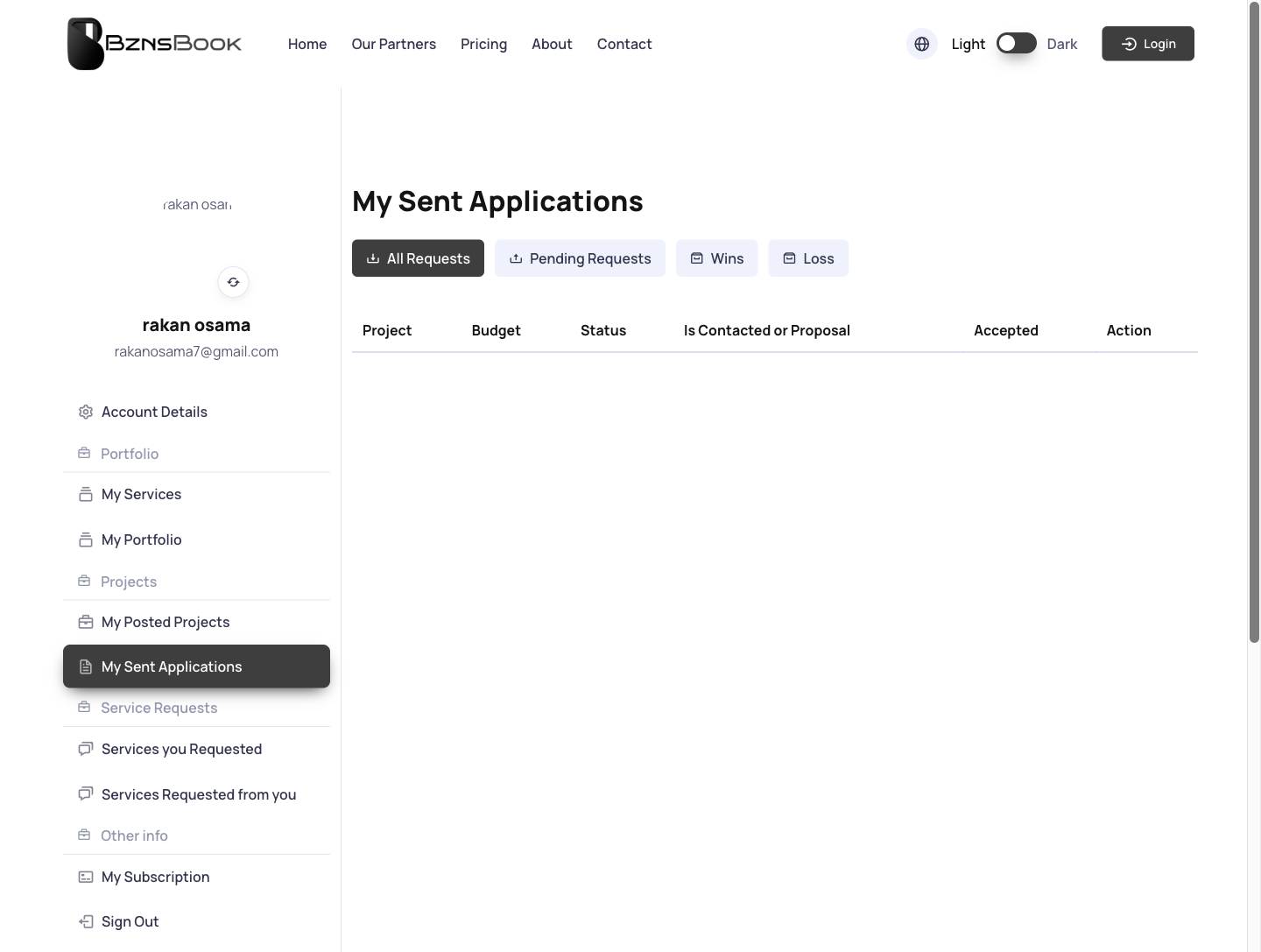
Project Applications
Applications are split into their own project surface so clients can track submitted opportunities and related activity clearly.
- Applications-focused project view
- Submission tracking surface
- Clear operational segmentation
- Client-side project context
Jump to another chapter
Need a client portal like this?
We design and build digital experiences and admin systems tailored to how your business actually runs — not how a generic SaaS thinks it should.