





Public Website
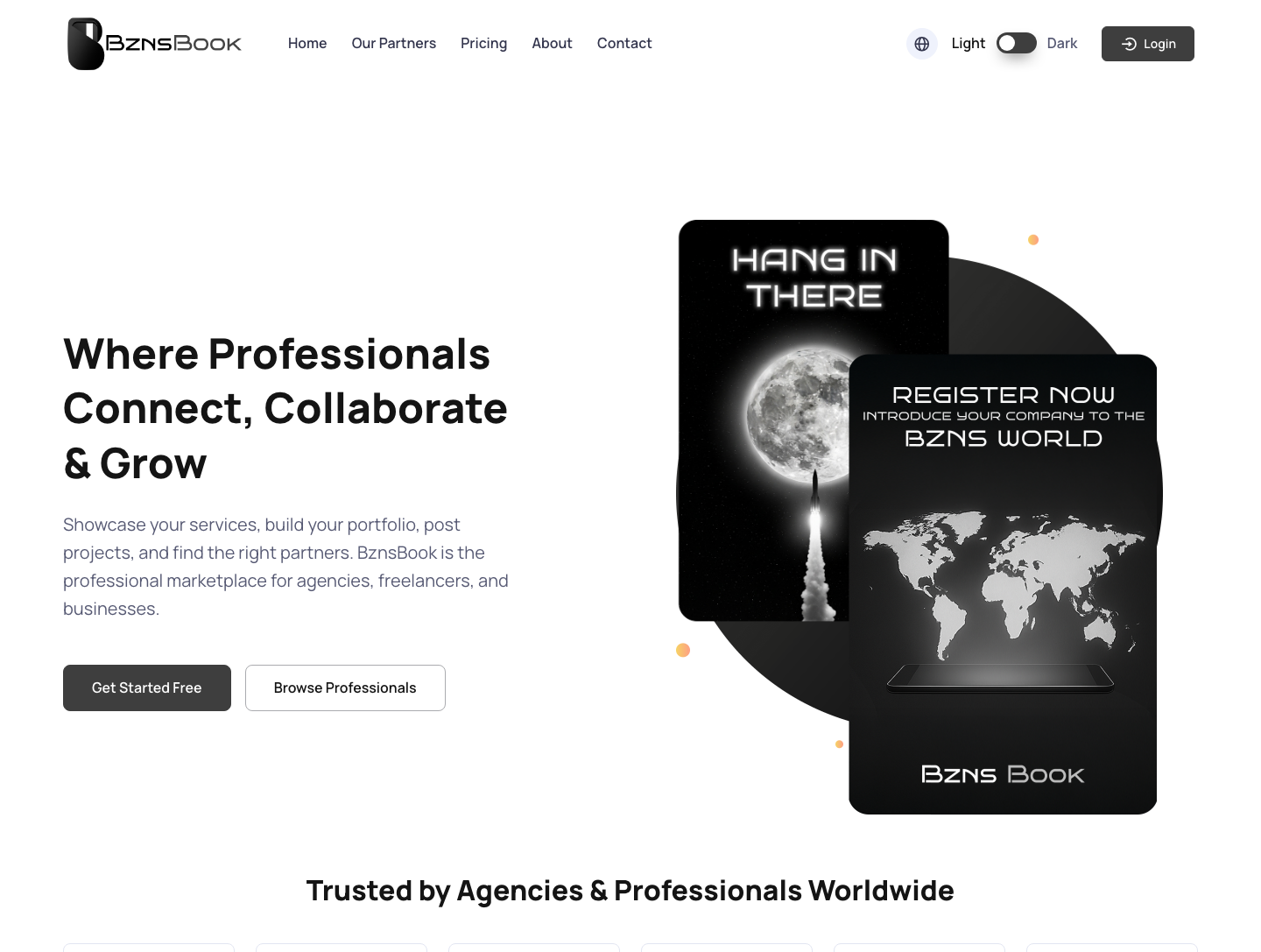
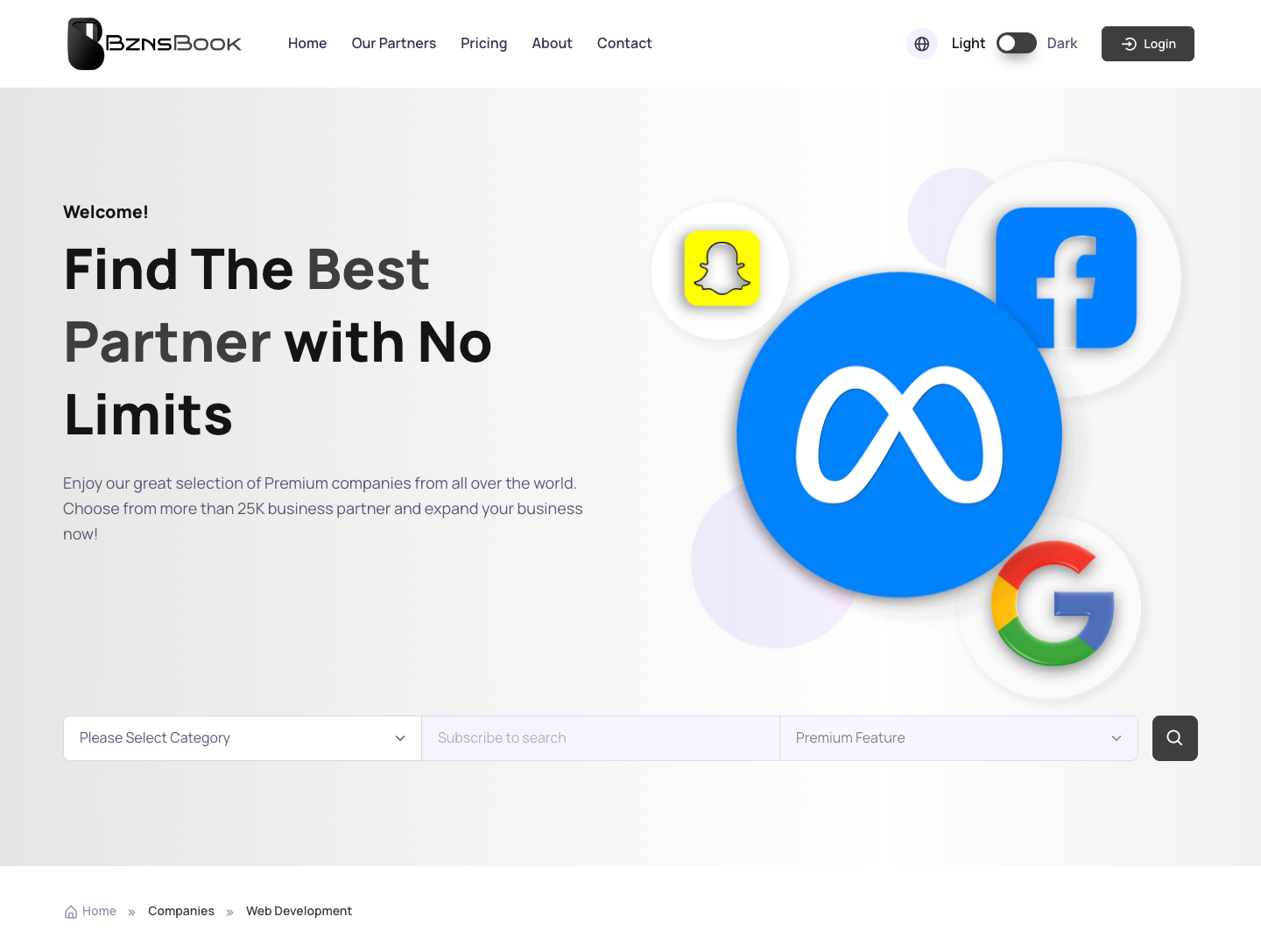
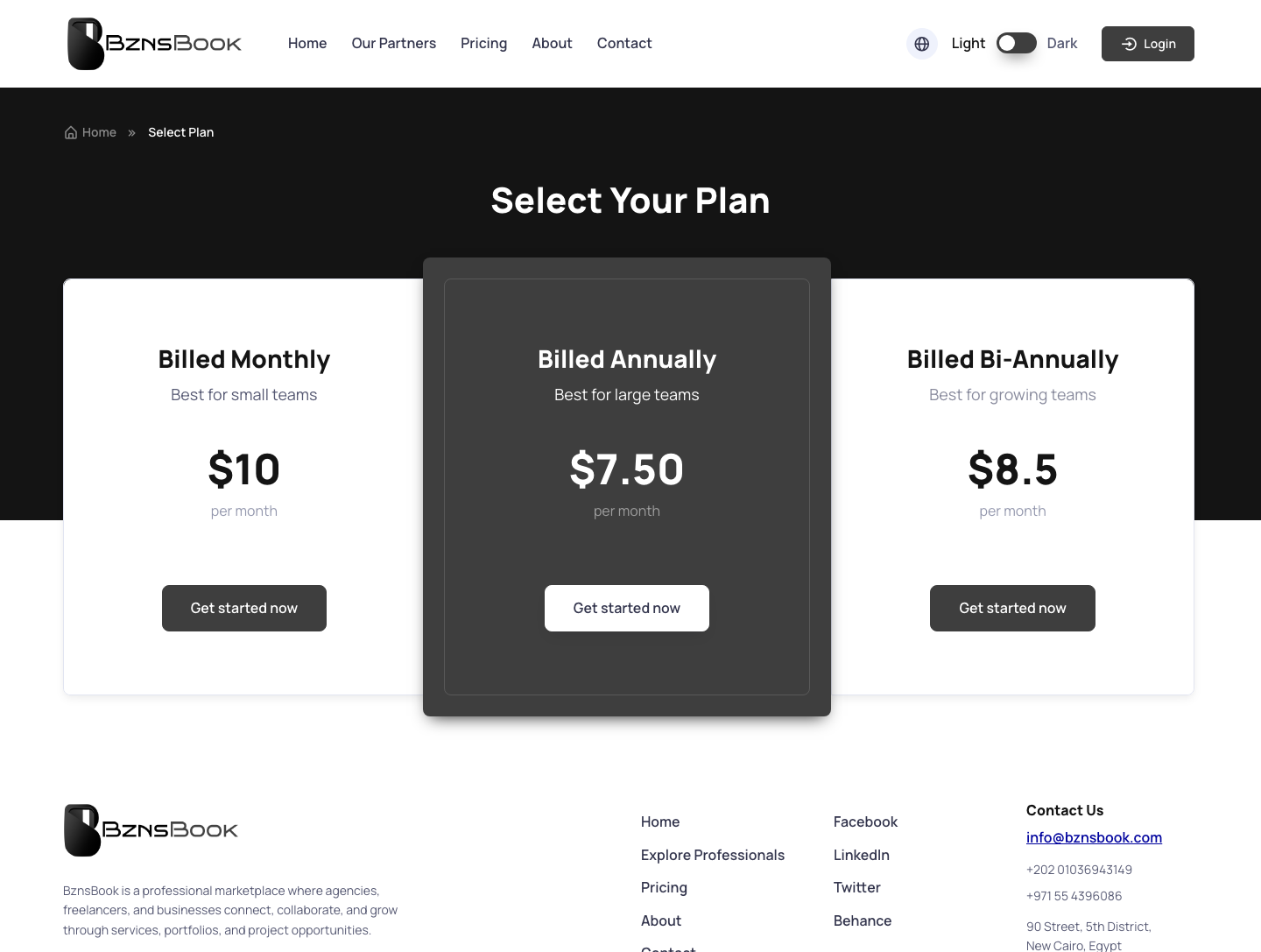
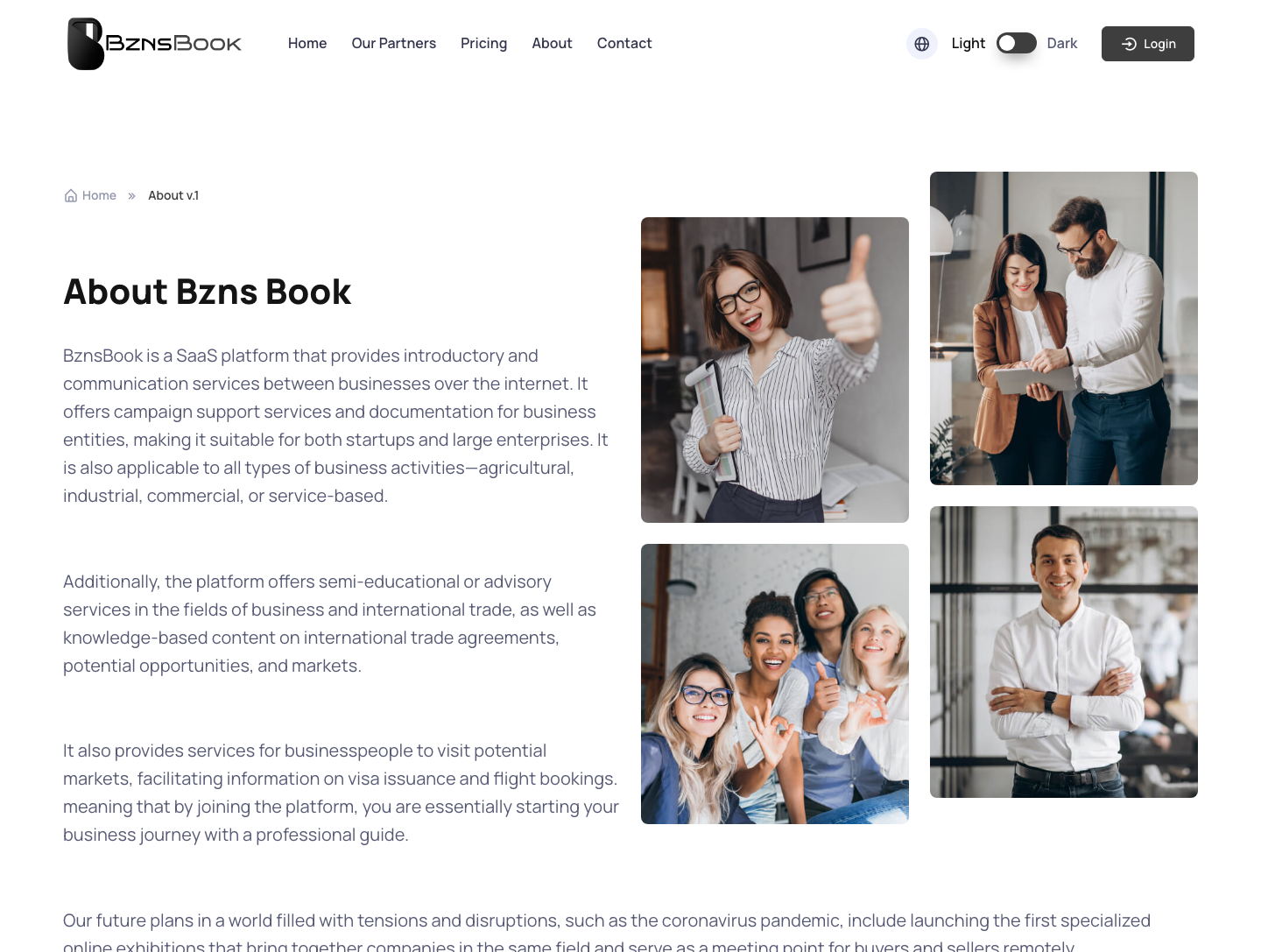
The public website gives visitors a complete path through the platform: understand the offer on the homepage, browse listed companies, compare pricing plans, learn the story and contact the team.
Every section, explained.
5 working sections inside Public Website — each one a screen we designed, built and tested in the live system.
Home
The homepage introduces Bznz Book with a direct platform story and fast routes into company discovery, pricing and contact.
- Clear first-screen positioning
- Direct navigation into core public pages
- Business-oriented visual hierarchy
- Responsive public website layout
Companies
The companies page makes listed businesses easy to browse and compare, turning the platform promise into a usable directory surface.
- Company listing structure
- Scan-friendly profile cards
- Discovery path for visitors
- Reusable layout for future listings
Pricing
Pricing is presented as a structured decision surface, helping companies understand the available plans before they commit.
- Plan comparison layout
- Feature grouping per tier
- Upgrade-ready CTA structure
- Commercial clarity for business owners
About
The about page gives the platform context and credibility, explaining the business behind the product without interrupting the conversion path.
- Platform story section
- Trust-building content blocks
- Clean editorial layout
- Navigation back into action pages
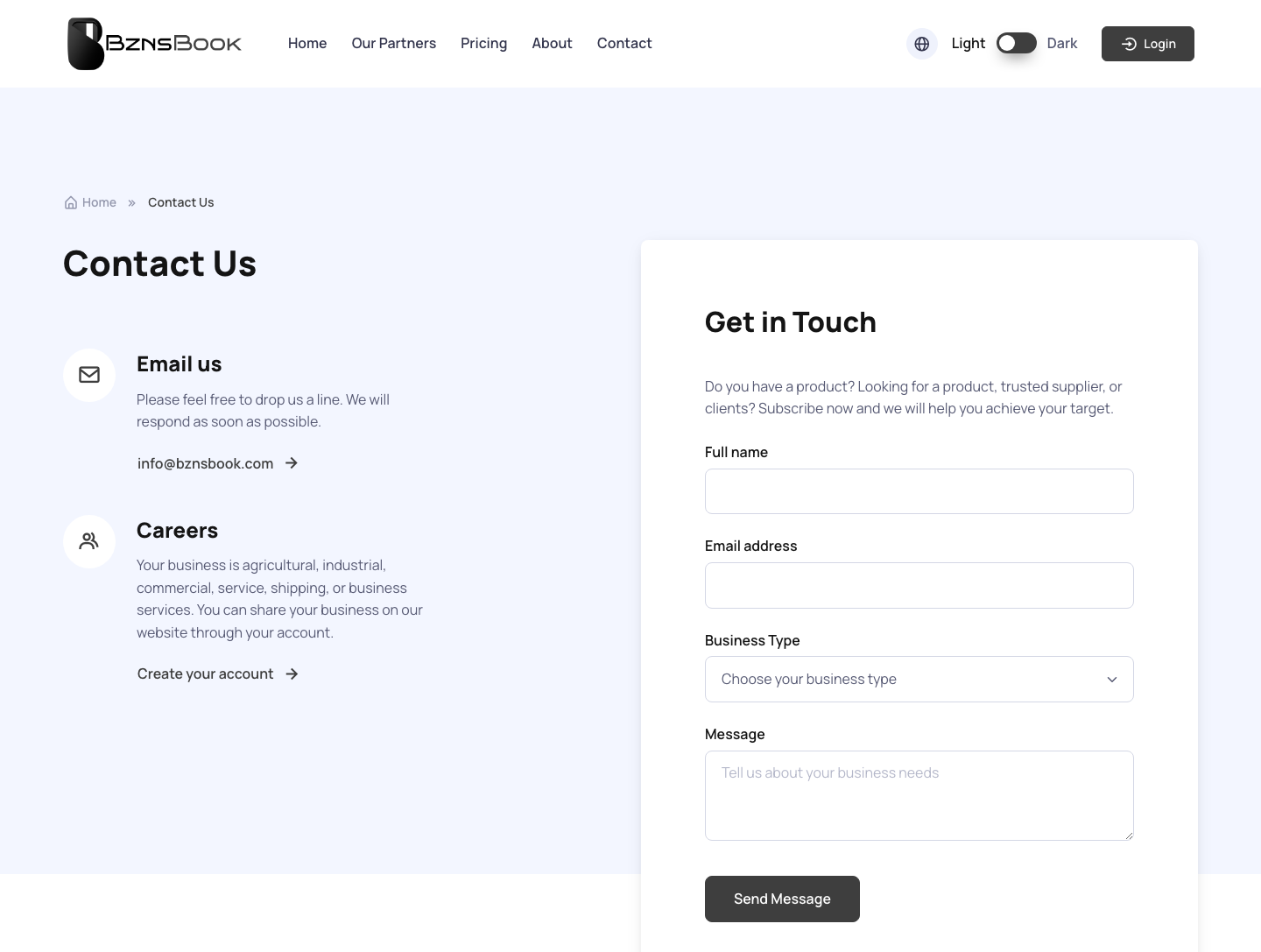
Contact
The contact page gives prospects and listed companies a direct route to the team, completing the public conversion loop.
- Direct enquiry surface
- Clear support path
- Conversion endpoint for public visitors
- Simple contact-focused page structure
Jump to another chapter
Need a public website like this?
We design and build digital experiences and admin systems tailored to how your business actually runs — not how a generic SaaS thinks it should.