





Admin Dashboard
A purpose-built operations dashboard that surfaces the KPIs a manager needs in the first scroll, then exposes the full operational stack beneath it: a rich product catalogue with categories, brands, genders, attributes and tags; inventory across stocks, warehouses and pickup locations; a supplier and supplies chain; a shipping pipeline of shipments and shippers; client records and concerns; and a settings module to model the policy library underneath. Two dozen modules, one set of numbers.
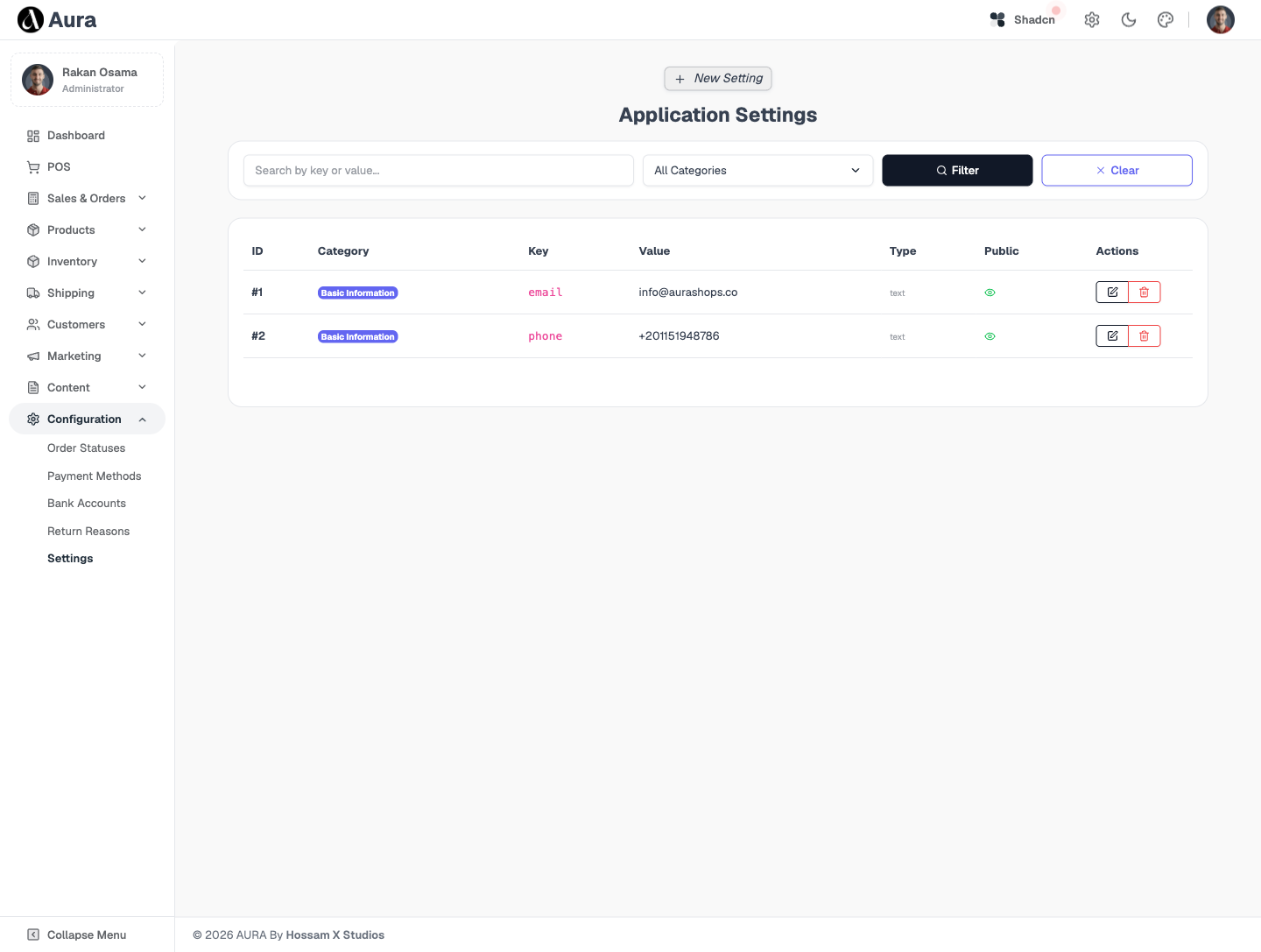
Every section, explained.
8 working sections inside Admin Dashboard — each one a screen we designed, built and tested in the live system.
Operations Dashboard
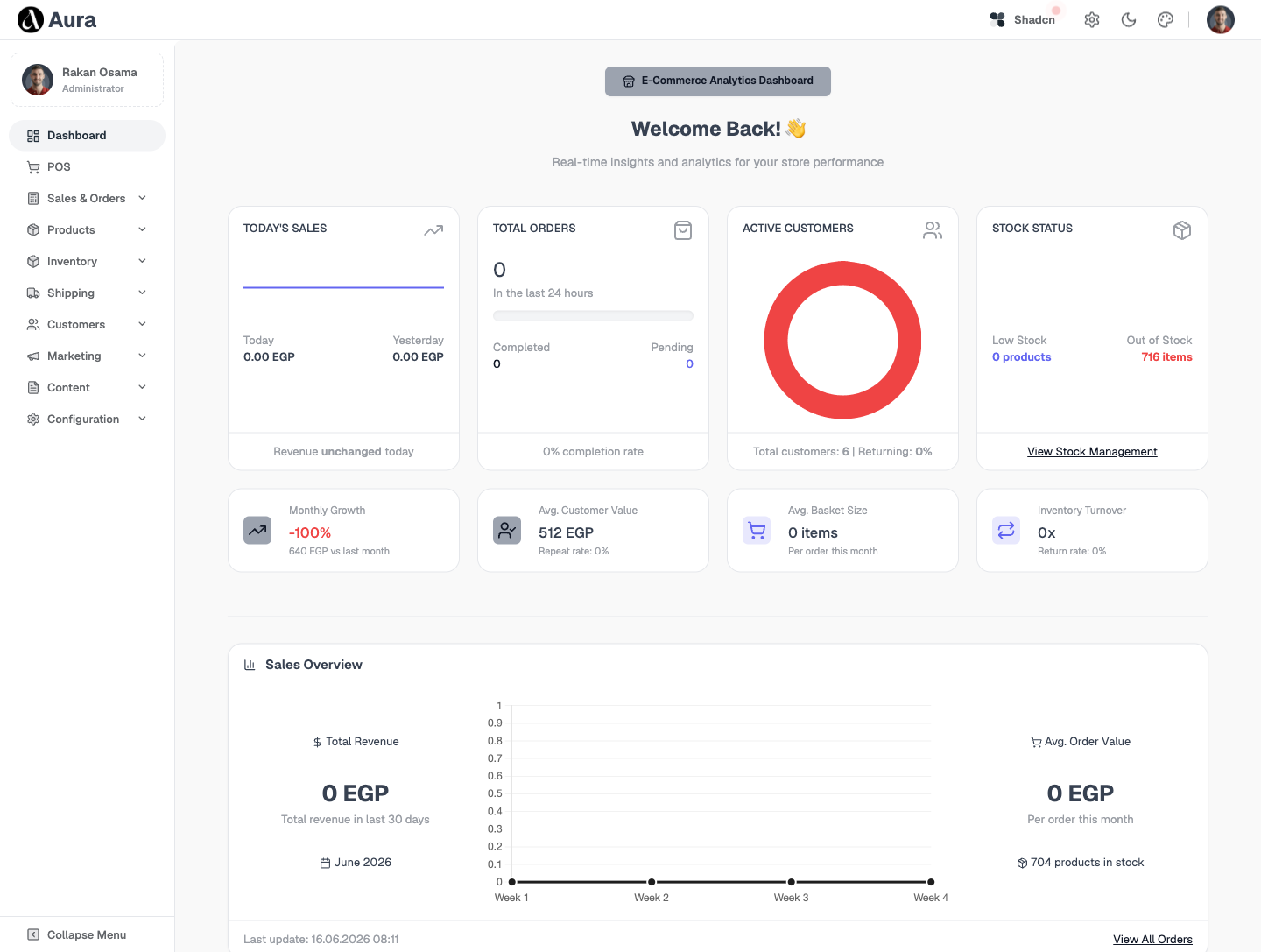
The first screen every morning — sales today, this month and this year with profit alongside, order volume by status, top products and low-stock alerts, all surfaced in the first scroll.
- Sales today / month / year with profit
- Order volume broken down by status
- Top-product and top-client widgets
- Low-stock alerts surfaced inline
Products & Catalogue
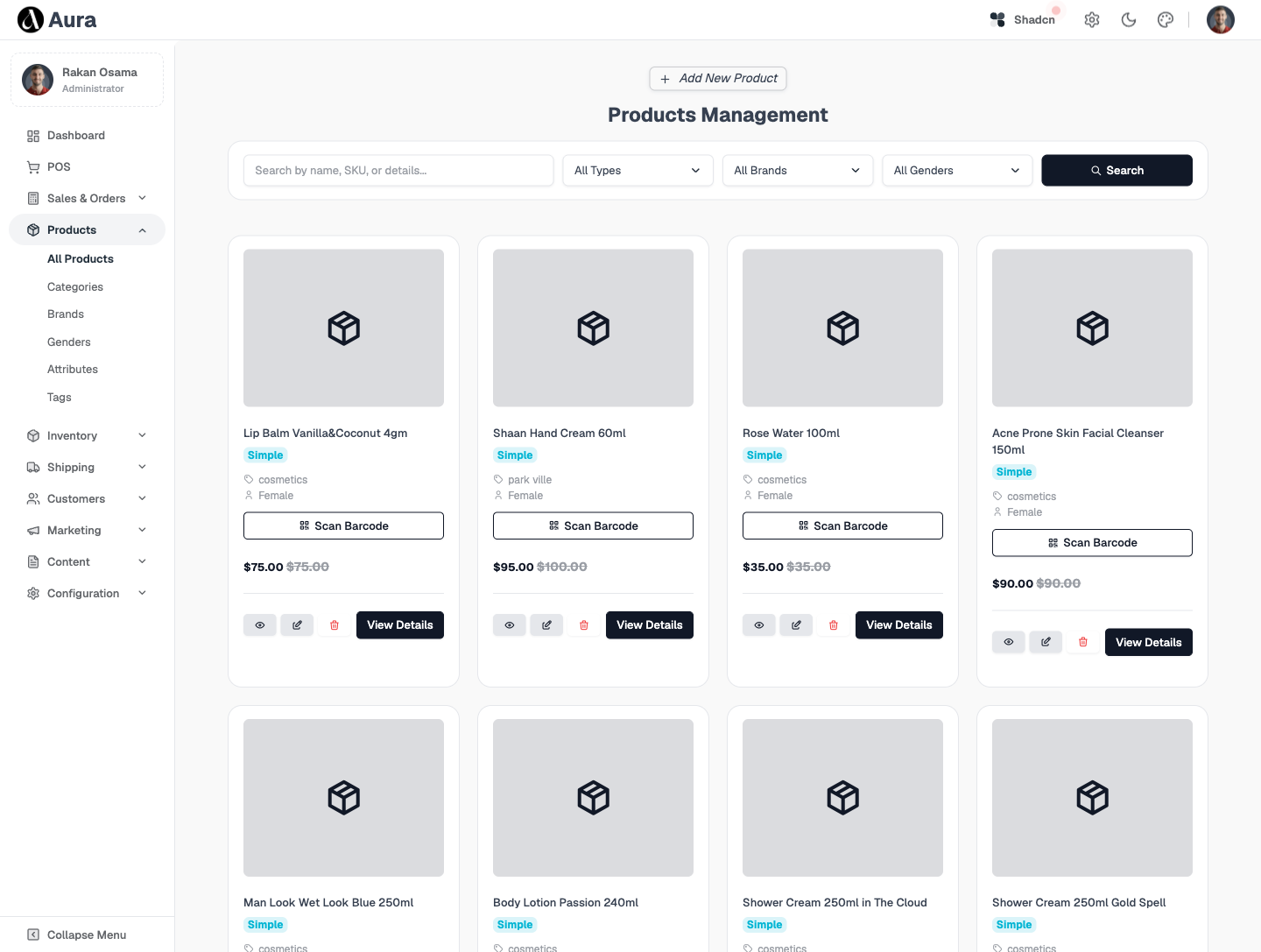
A single product catalogue that powers both the POS and the storefront — variants, pricing, imagery and stock per product, with a bulk-edit grid for fast catalogue maintenance.
- Single catalogue for POS & storefront
- Variants, pricing and gallery per product
- Per-product stock visibility
- Bulk-edit grid for fast maintenance
Categories, Brands & Attributes
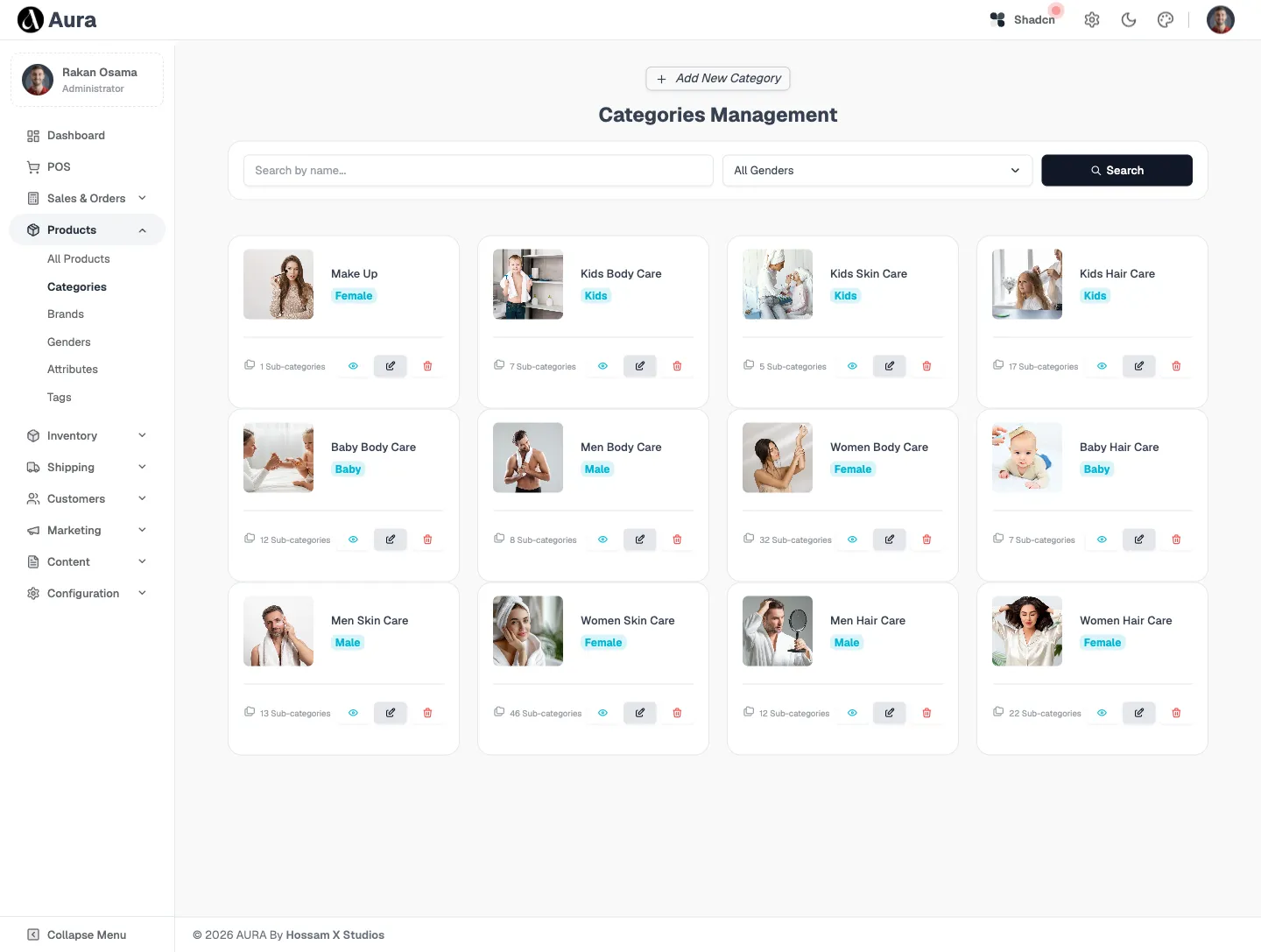
The taxonomy that organises the catalogue and drives the storefront filter rail — nested categories, brands, genders, attributes and tags, each editable and reorderable from one place.
- Nested categories with drag-to-reorder
- Brands, genders, attributes & tags
- Drives storefront filters and search
- Bilingual labels (EN / AR)
Inventory & Stocks
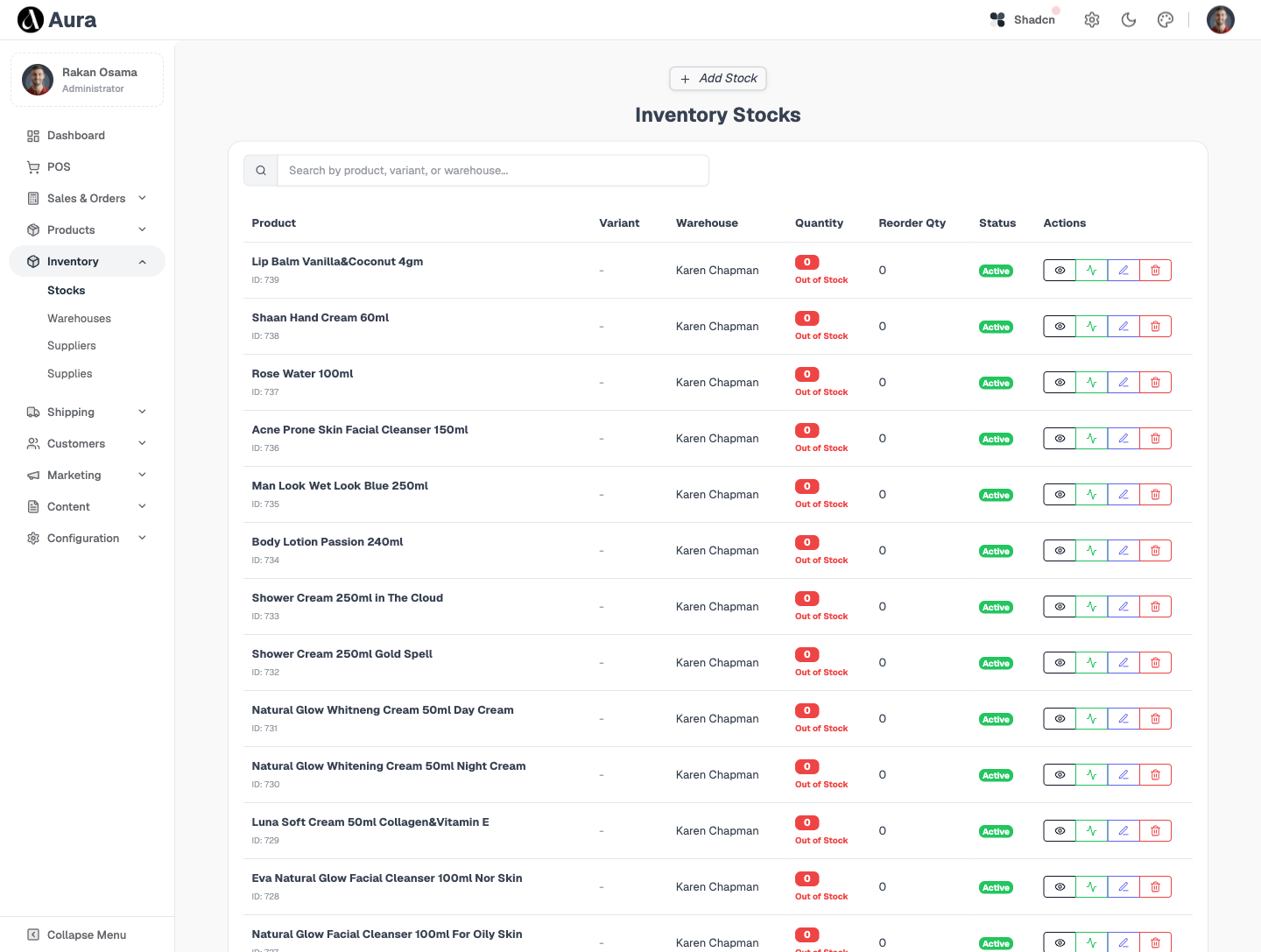
Stock levels per product and per warehouse — with adjustments, low-stock thresholds and a movement history, so what the storefront shows as available is what is actually on the shelf.
- Stock per product, per warehouse
- Adjustments with movement history
- Low-stock thresholds & alerts
- Live availability on the storefront
Warehouses & Locations
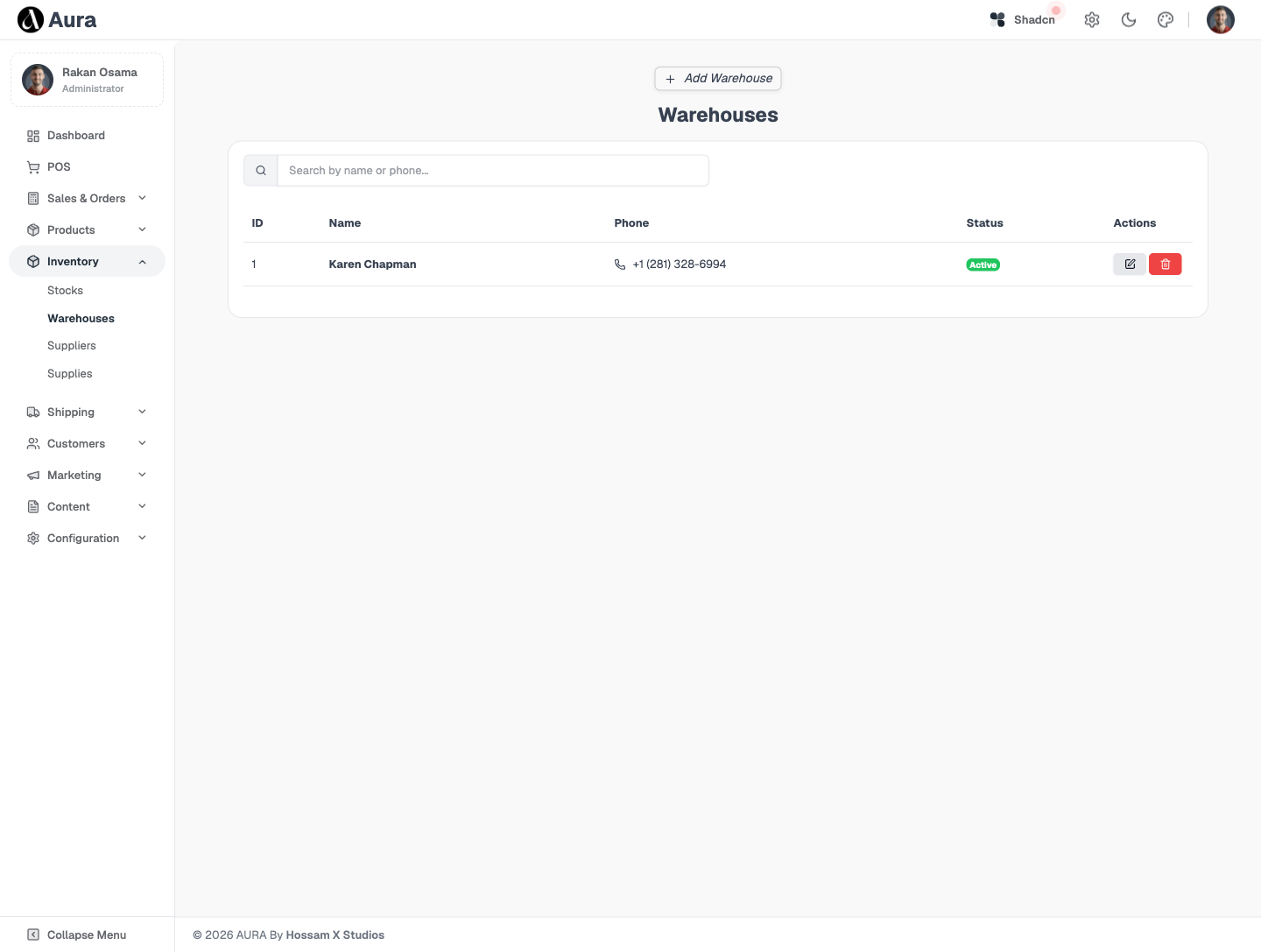
Multi-warehouse and pickup-location management — define where stock lives and where customers can collect, with locations feeding both fulfilment routing and the storefront checkout.
- Multiple warehouses with addresses
- Pickup locations for click-and-collect
- Locations feed fulfilment routing
- Surfaced at storefront checkout
Suppliers & Supplies
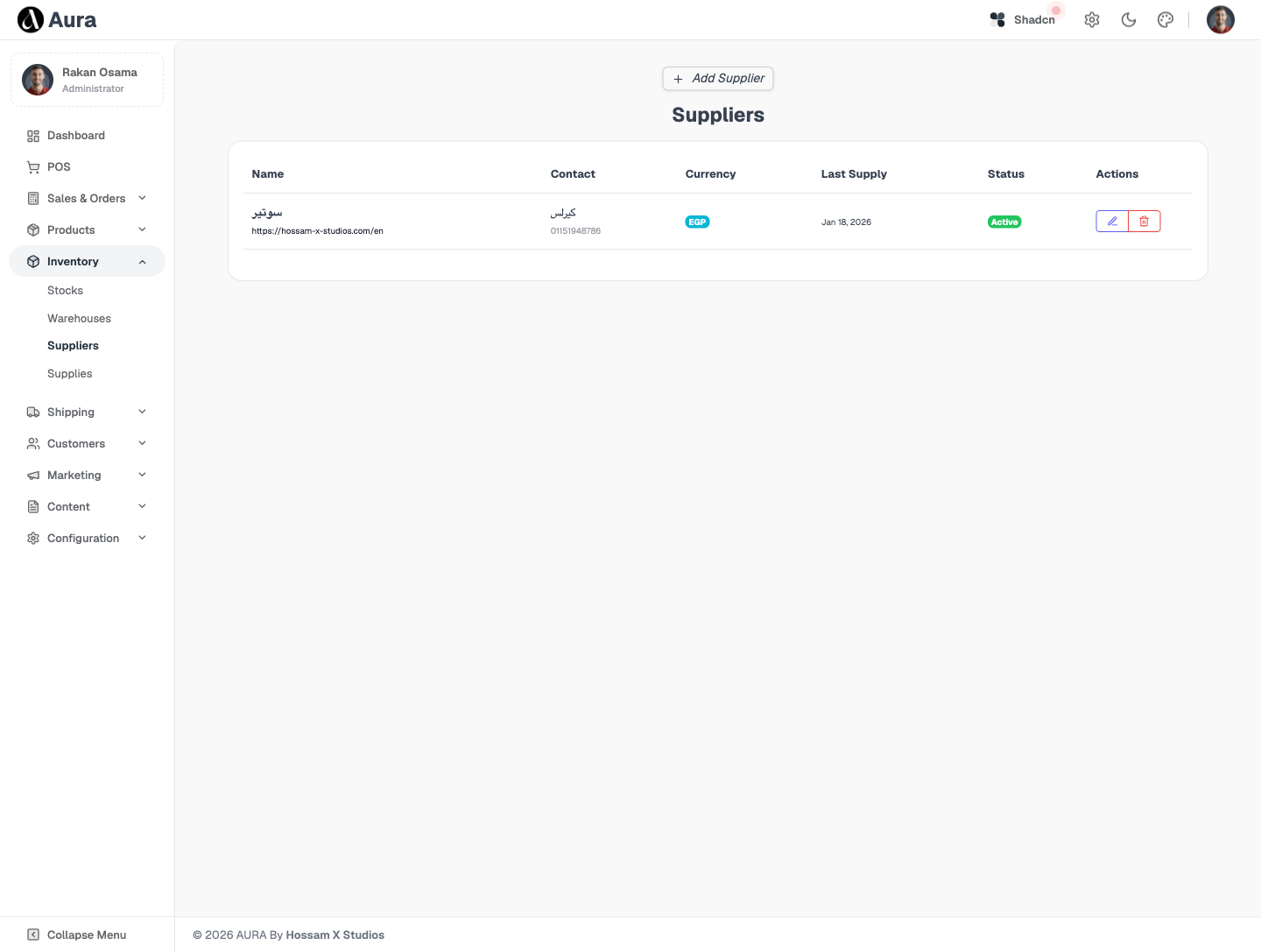
The inbound side of the catalogue — a supplier directory and a supplies ledger that records what was purchased, from whom and at what cost, so restocking and margin maths stay honest.
- Supplier directory with contacts & terms
- Supplies ledger of purchases & costs
- Cost basis feeds profit reporting
- Links suppliers to the products they stock
Shipments & Shippers
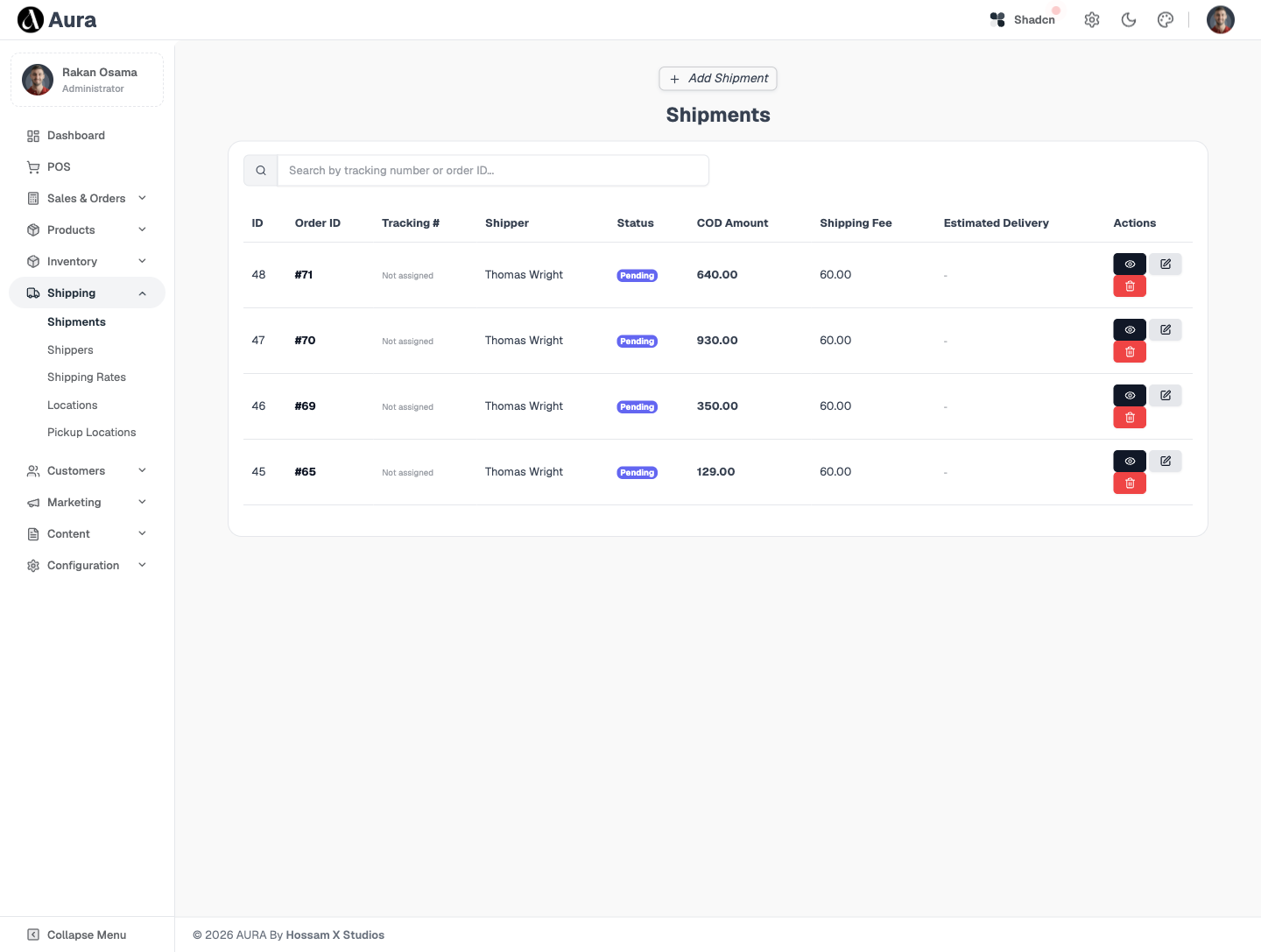
The outbound pipeline — shipments tracked from packed to delivered, assigned to shippers, with status reflected back onto the order so the customer and the team always see the same state.
- Shipments tracked packed → delivered
- Assigned to managed shippers
- Status reflected back onto the order
- Per-location and per-shipper visibility
Clients & Concerns
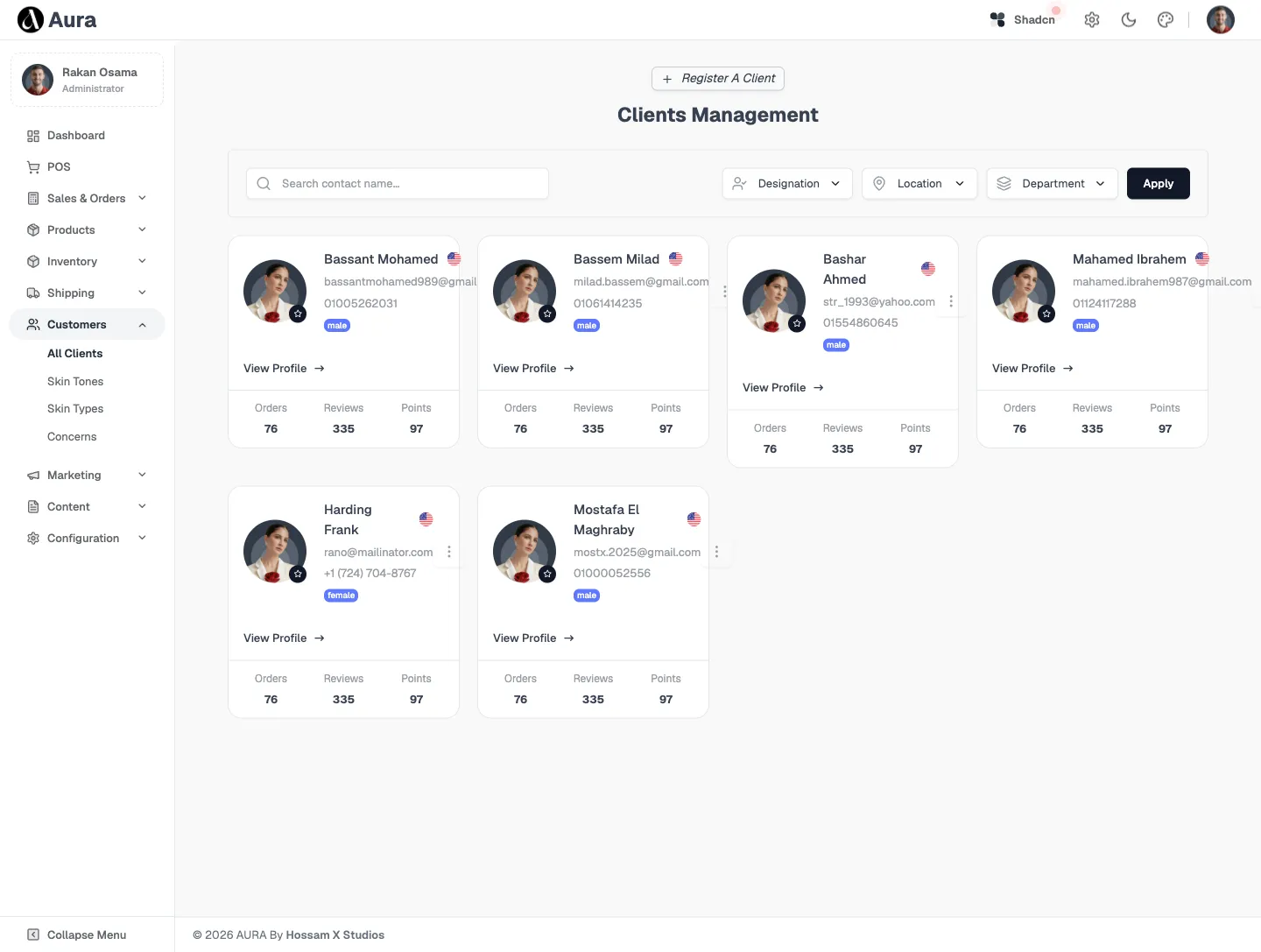
The relationship layer — a client directory with order history, plus a Concerns inbox where every contact-form message lands, gets tagged and is resolved without leaving the dashboard.
- Client directory with order history
- Concerns inbox fed by the contact form
- Tag, assign and resolve in place
- One source of truth for every customer
Jump to another chapter
Need a admin dashboard like this?
We design and build storefronts, POS and operations systems tailored to how your business actually sells — online and at the counter, on one source of truth.