





POS System
The Skaya POS is the operating system of the boutique floor: a touch-first sale terminal, per-cashier sessions with live reconciliation, store and web orders in one feed, returns and exchanges, and a loyalty programme — all reading and writing the same catalogue and inventory the storefront uses. Every sale posts live into the admin dashboard.
Every section, explained.
10 working sections inside POS System — each one a screen we designed, built and tested in the live system.
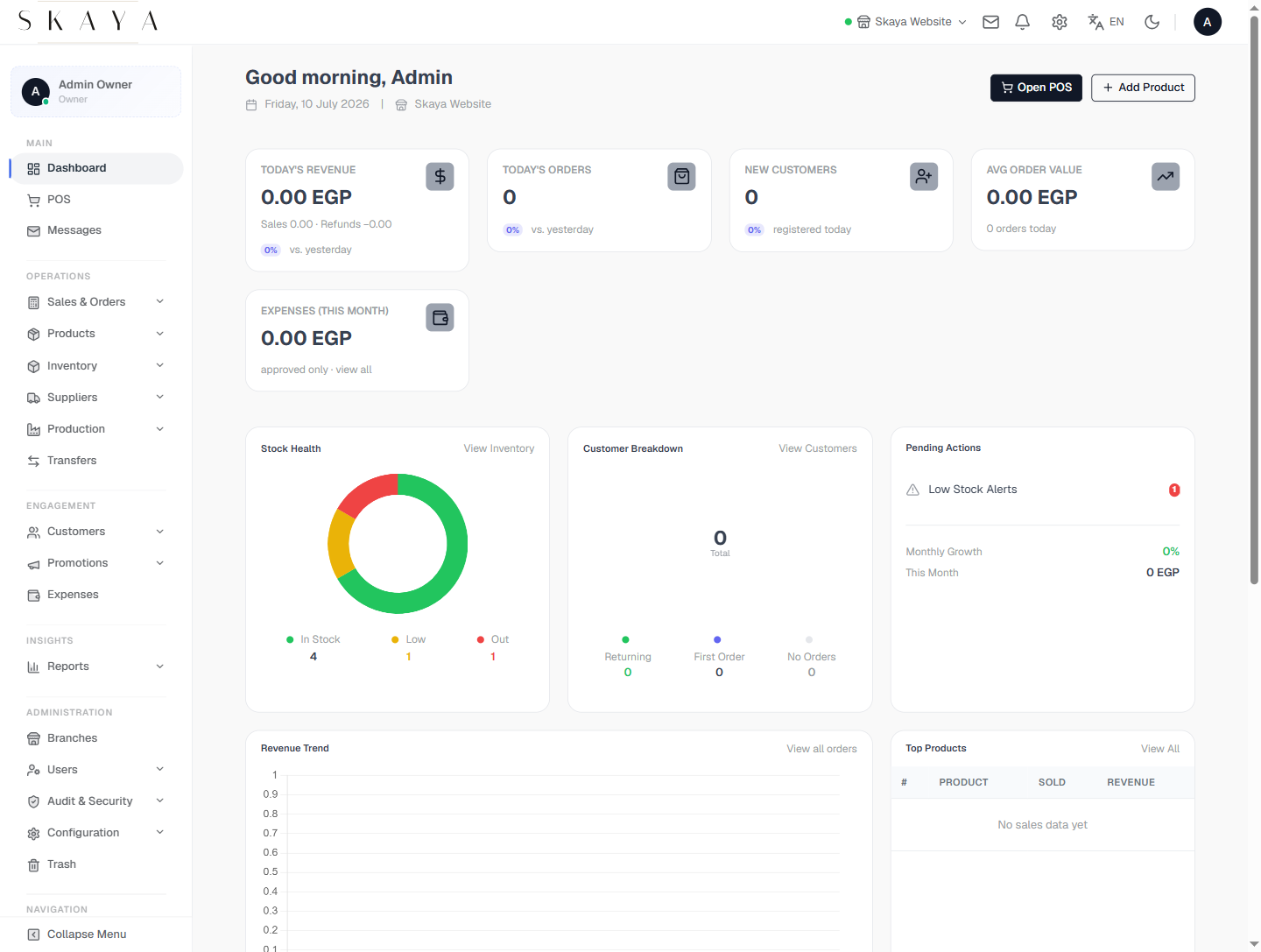
Command Dashboard
The first screen the boutique owner sees each morning — today's revenue, orders, new customers and average order value, plus stock health, customer breakdown and pending actions, all in the first scroll.
- Revenue, orders & AOV for today vs yesterday
- Stock-health donut & pending actions
- Open-POS and add-product quick actions
- Revenue trend & top-products widgets
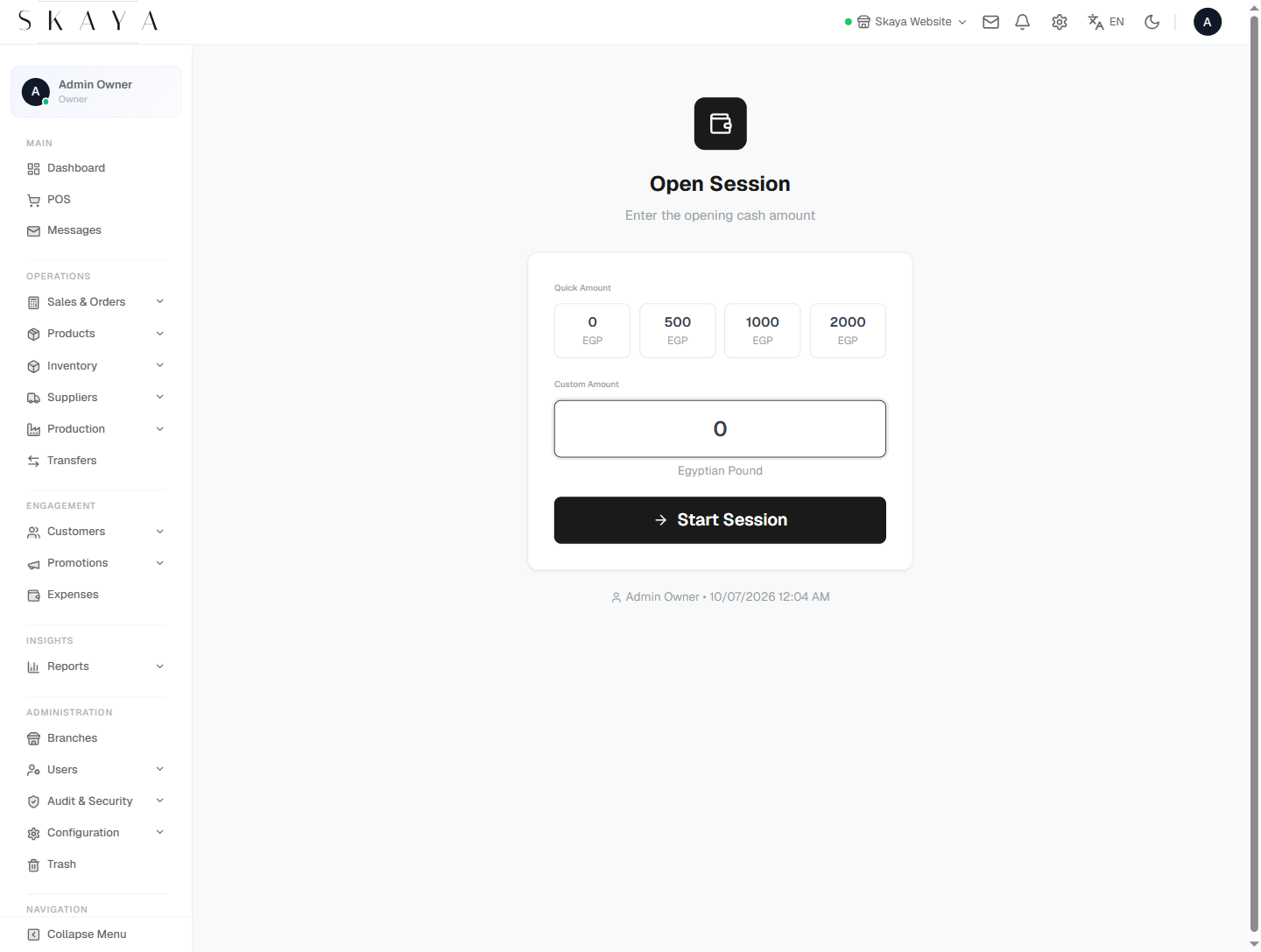
Open POS Session
A touch-first terminal where a cashier opens a session with a declared float and rings sales in a few taps — products, cart and a hot payment bar, built to run on tablets and lightweight desktops.
- Cashier opens a session with declared float
- Touch-first product grid with quick search
- Cart with single-tap quantity & remove
- Hot payment bar (cash, card, mixed)
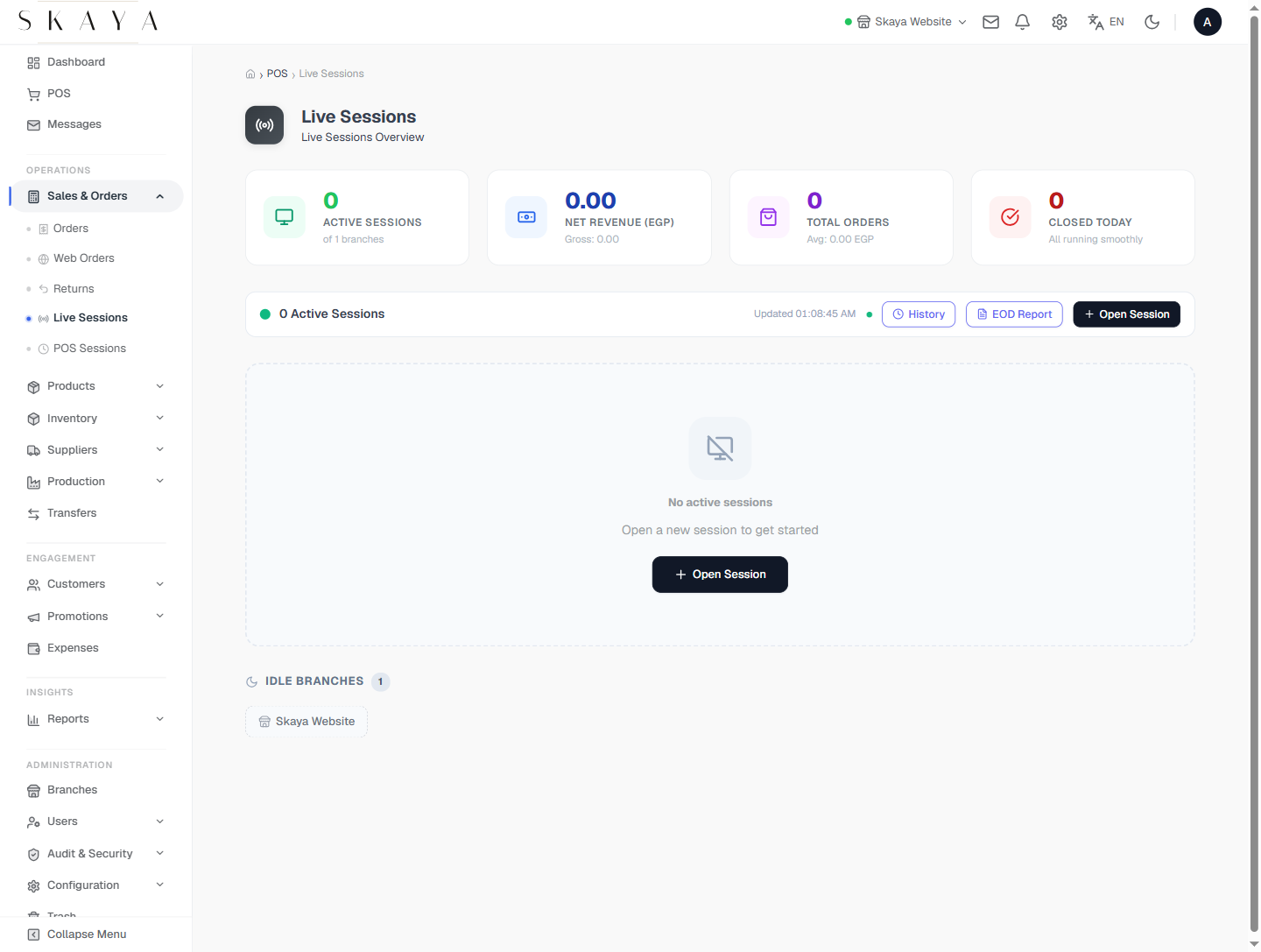
Live Sessions
A back-office view of every open session in real time — sold totals, declared float and running variance — so head office can see the floor and approve high-value voids before they post.
- Live view of every open session
- Sold totals & running variance
- Drill-down to per-cashier transactions
- High-value void approval workflow
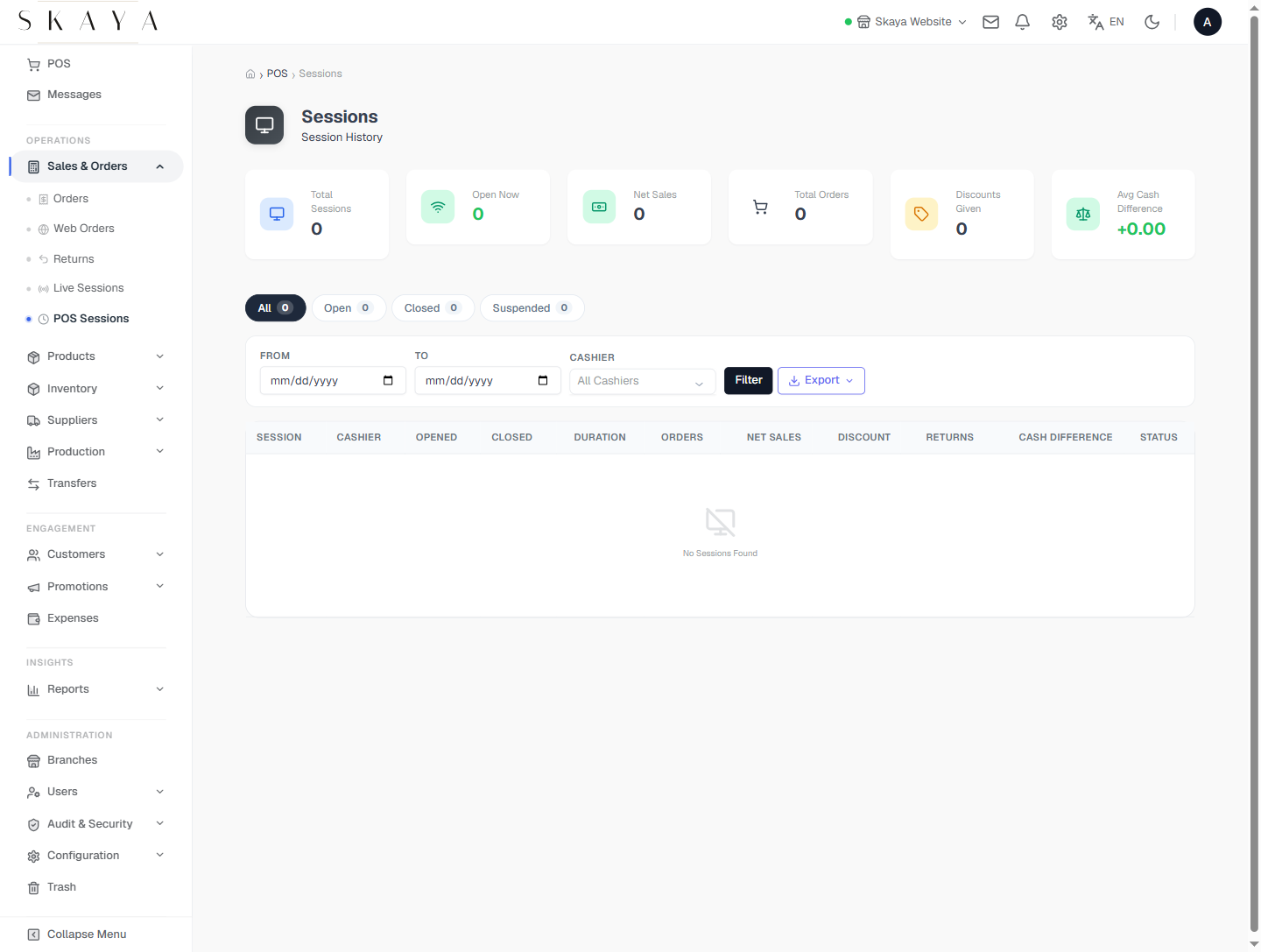
Session History
Every closed session with its declared vs counted cash, sold and refunded totals, and a printable session-summary report ready for the till-reconciliation envelope.
- Closed sessions with cash variance
- Sales, refunds & voids tallied
- Printable session-close report
- Reconciles to the cash account
Store Orders
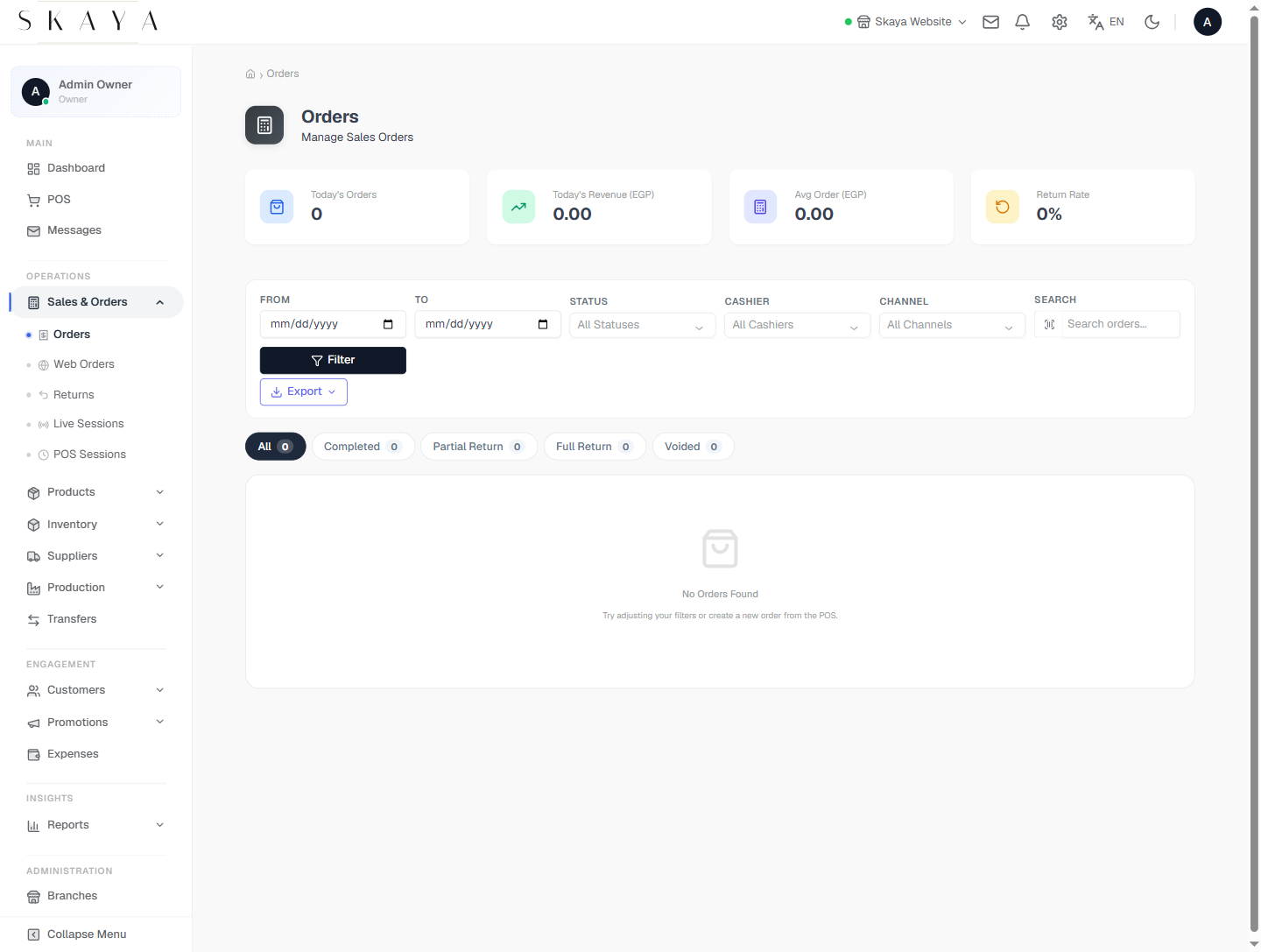
A live feed of in-store orders with quick-actions for fulfil, refund, mark-paid and reassign — filterable by status and payment method, all without leaving the page.
- Live in-store order feed
- Quick-actions: fulfil, refund, reassign
- Filter by status & payment method
- One-tap drill-through to the order
Web Orders
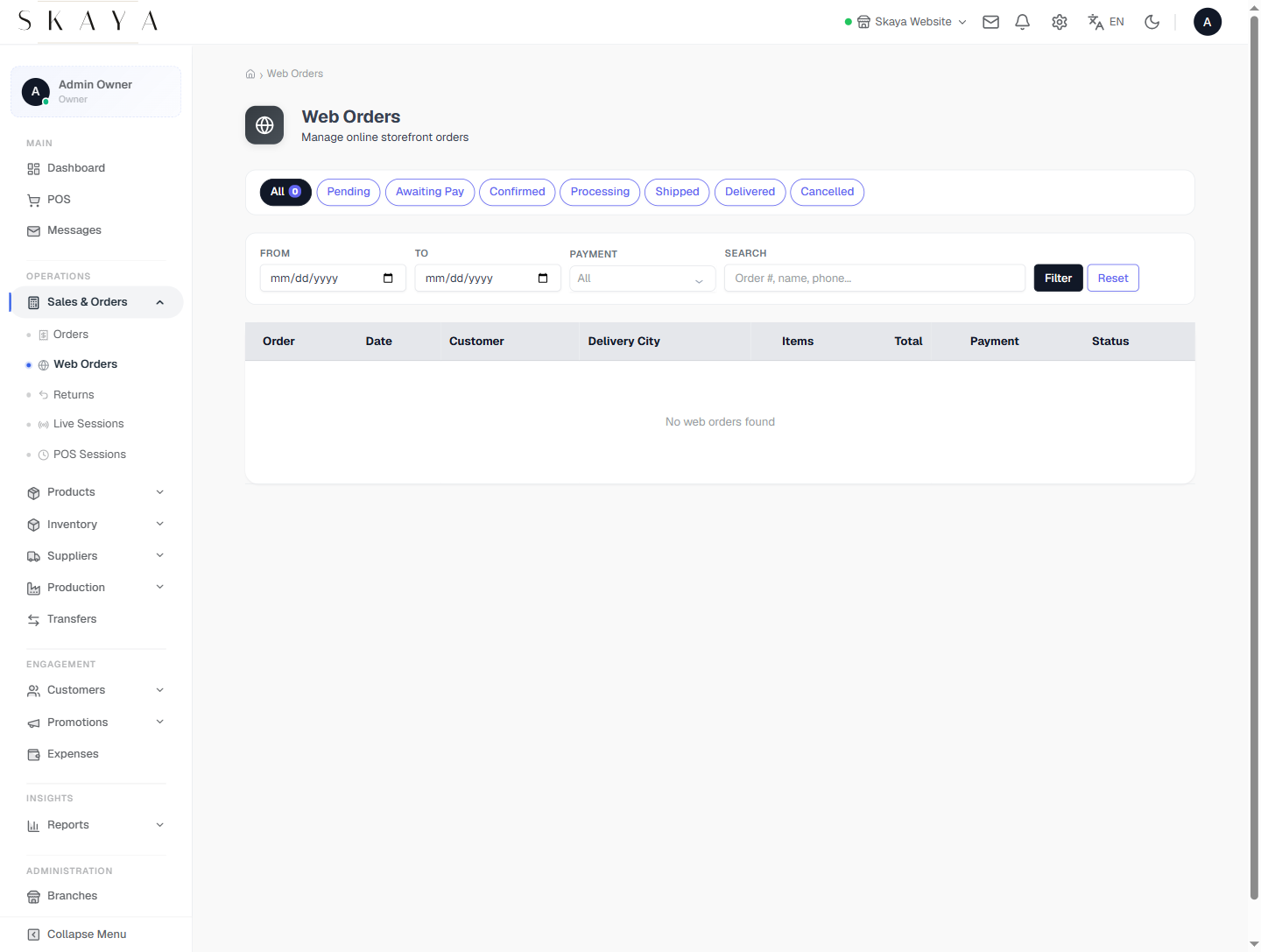
Storefront orders land in the same admin as the POS — one order pipeline for online and in-boutique, so stock, revenue and customer history never split across channels.
- Storefront orders in one pipeline
- Shared stock & customer records
- Channel & status filters
- Fulfilment & shipping status
Returns & Exchanges
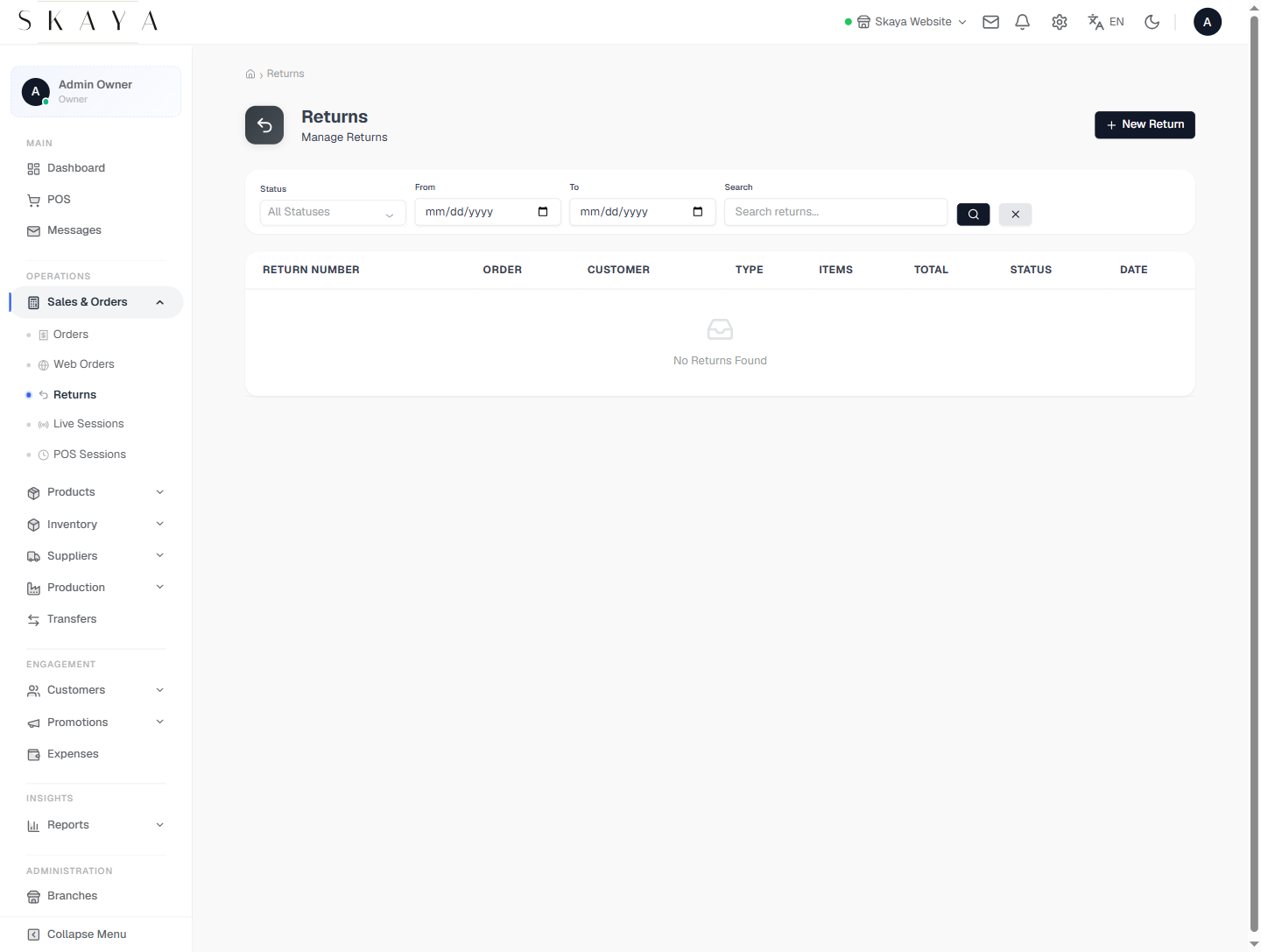
A clean returns flow tied to the original order — partial or full, refund to original tender or store credit, with stock automatically restocked and journals posted.
- Returns tied to the original order
- Partial or full refund support
- Refund to tender or store credit
- Auto-restock + posted journals
Product Catalogue
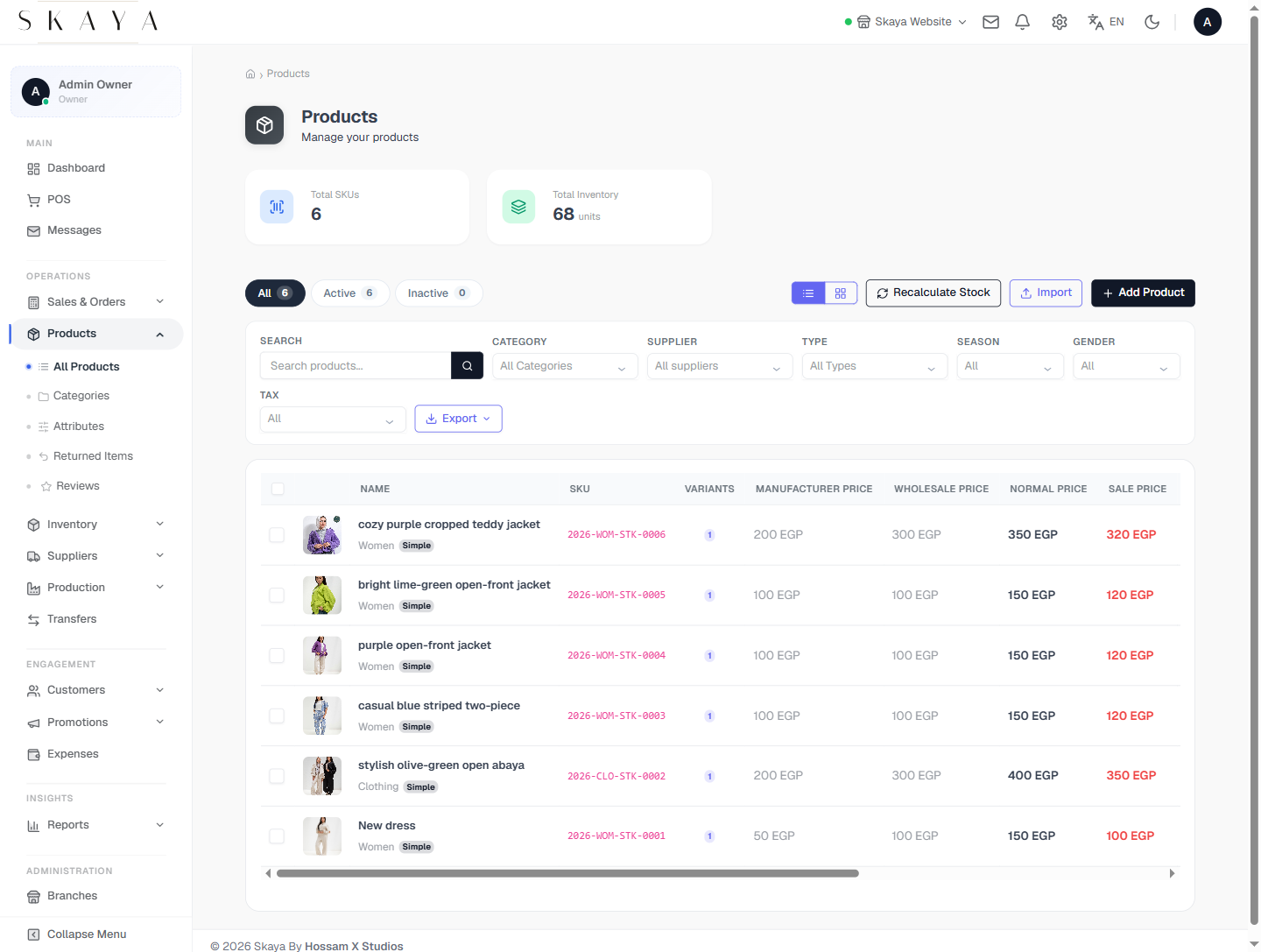
A single product catalogue powering both the POS and the storefront — variants, multi-currency pricing, imagery and branch-level stock, with a bulk-edit grid for fast maintenance.
- One catalogue for POS & storefront
- Variants & multi-currency pricing
- Branch-level stock visibility
- Bulk-edit grid for fast maintenance
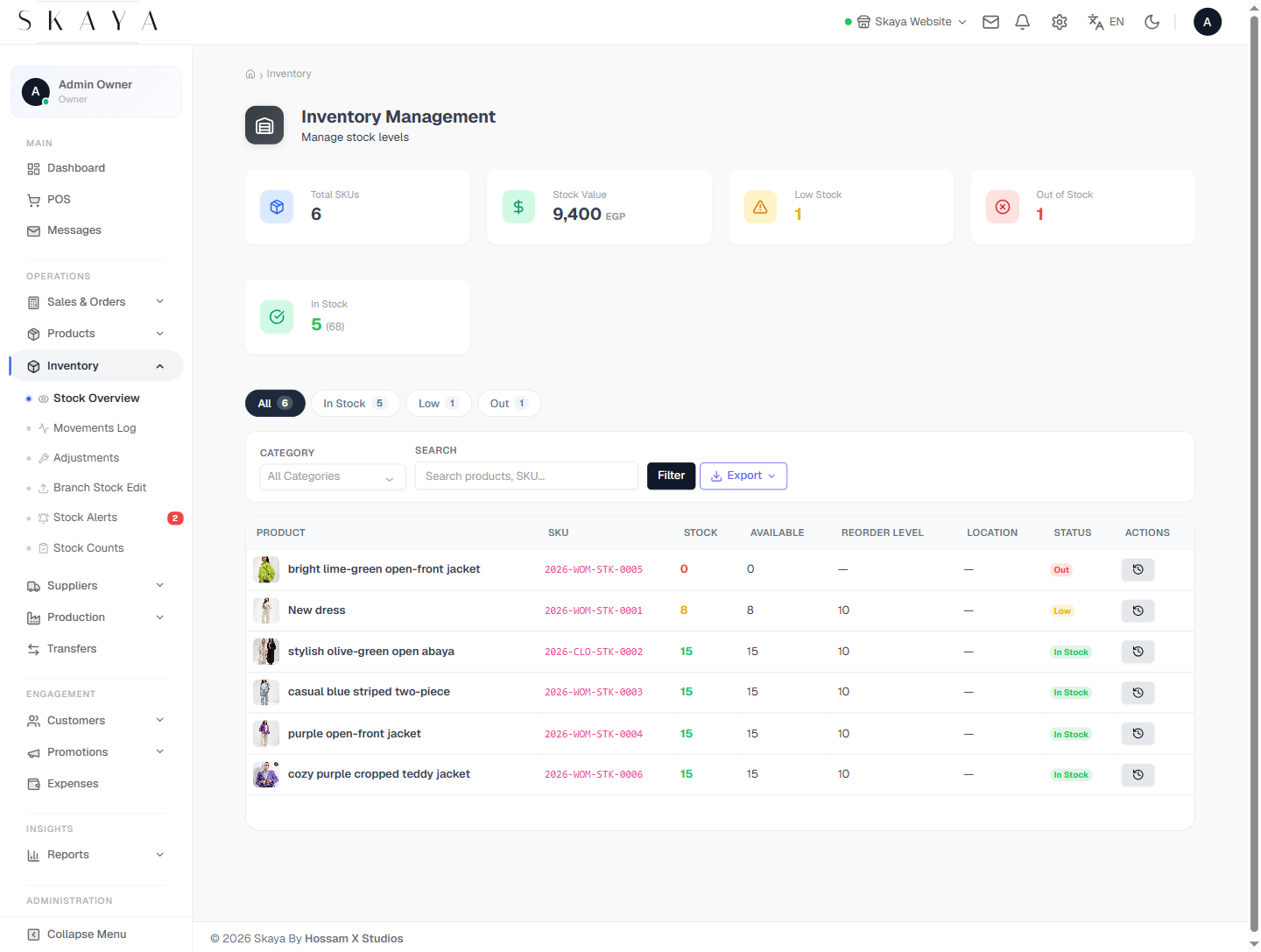
Inventory
Per-branch stock counts, transfers and stocktake worksheets with a low-stock view — every adjustment journaled so end-of-month variance always reconciles.
- Per-branch stock counts
- Inter-branch transfers
- Stocktake worksheets & variance
- Every adjustment journaled
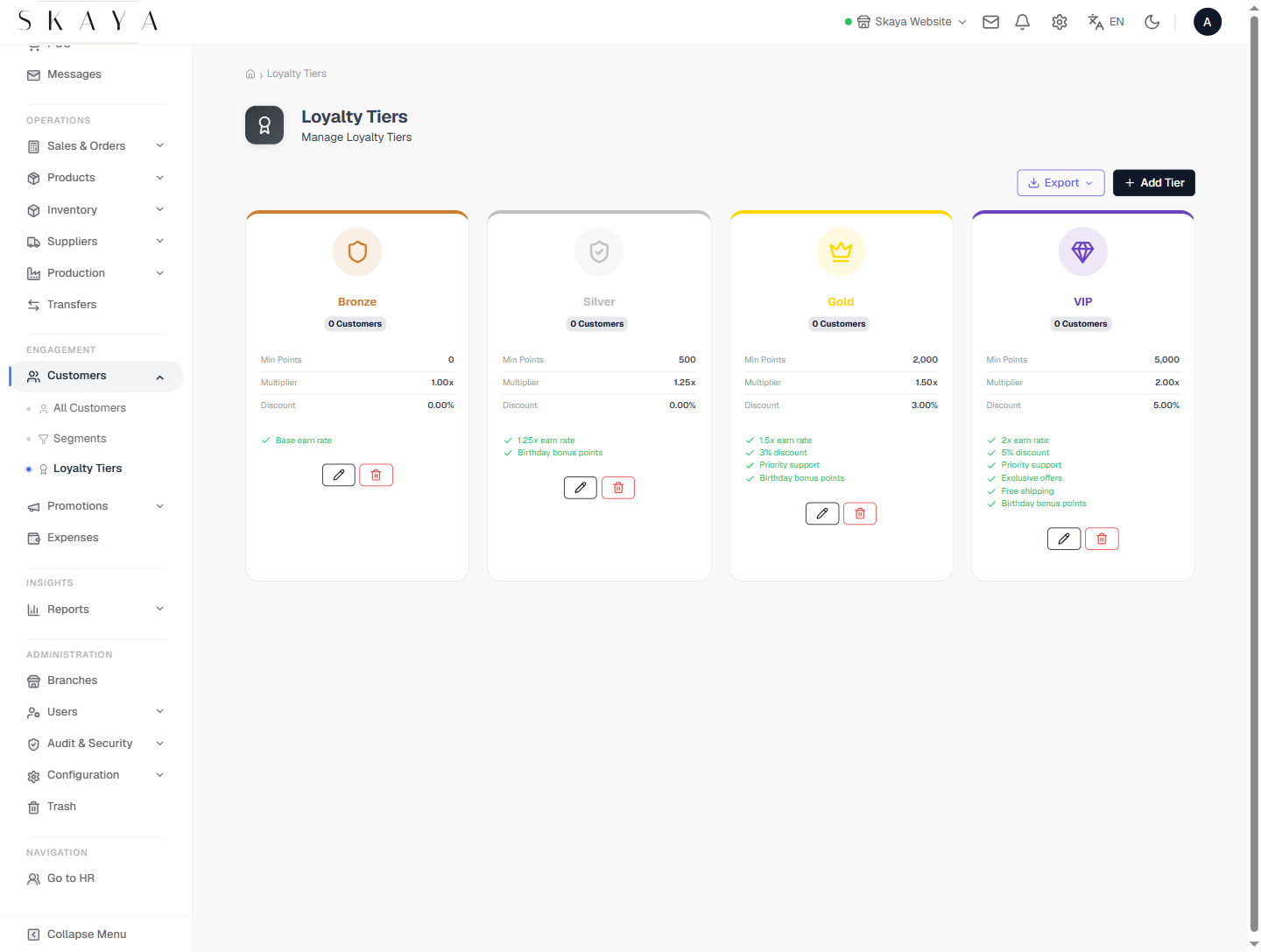
Loyalty Tiers
A configurable loyalty programme — earn on qualifying sales, redeem at the POS or online, with a tier system that surfaces the customer's balance right at the till.
- Configurable earn rules
- Redeem at POS & storefront
- Tiered membership (silver / gold)
- Customer balance visible at the till
Jump to another chapter
Need a pos system like this?
We design and build brands, storefronts, POS and HR systems as one product — tailored to how your operation actually runs, not how a generic template thinks it should.