




CMS
A purpose-built content management layer that exposes every front-end section — hero, about, collections, gallery, videos and contact — as live-editable blocks. Pair it with the Inquiries inbox and a role-based access system, and marketing owns the public site end-to-end.
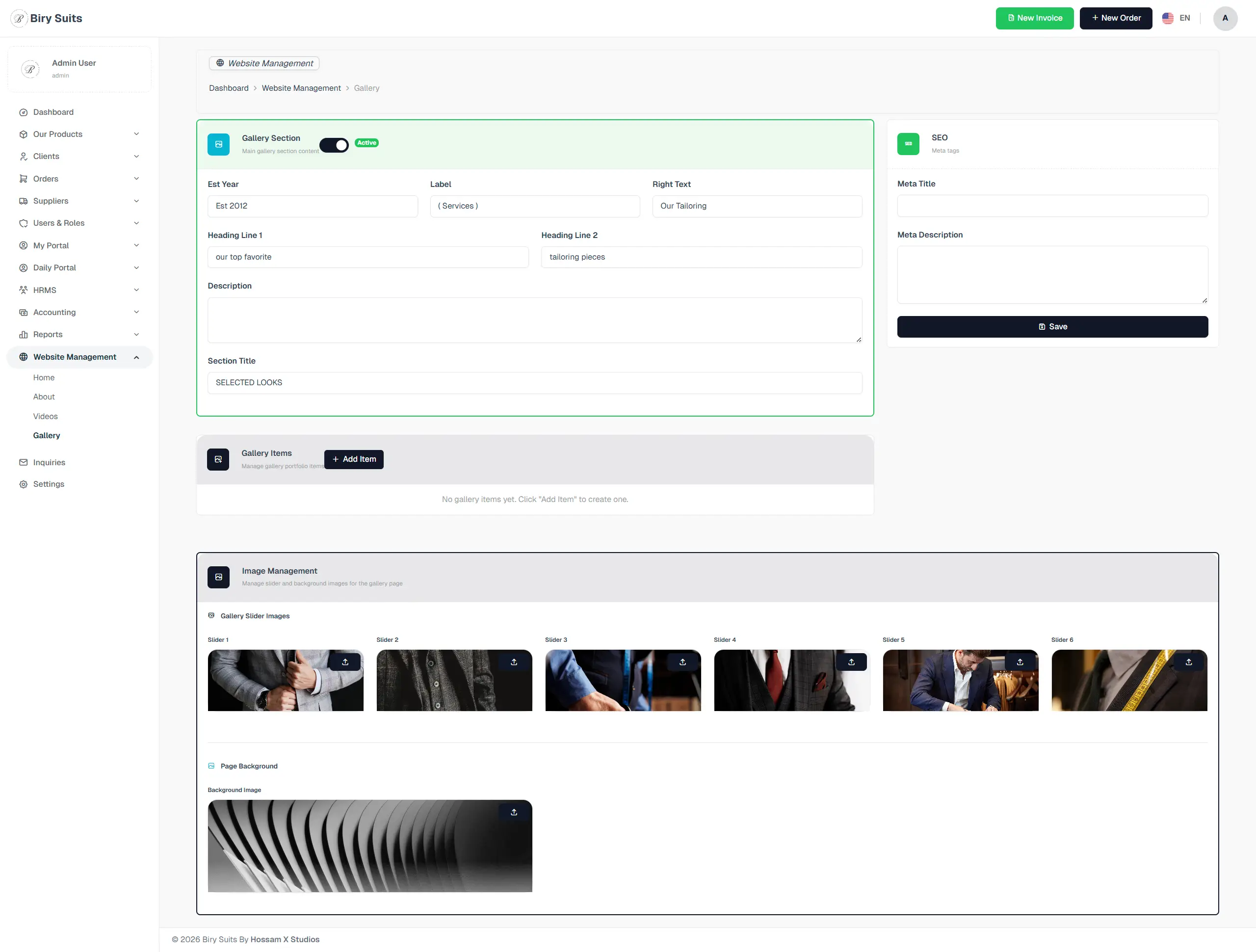
Every section, explained.
4 working sections inside CMS — each one a screen we designed, built and tested in the live system.
Home CMS
An in-place editor for every front-end section — hero, about, customization, gallery, videos, contact — with bilingual EN/AR tabs and a live RTL preview right next to the EN view.
- Live editor for every public-site section
- Bilingual EN/AR tabs with live RTL preview
- Media library with focal-point cropping
- Revision history with one-tap revert
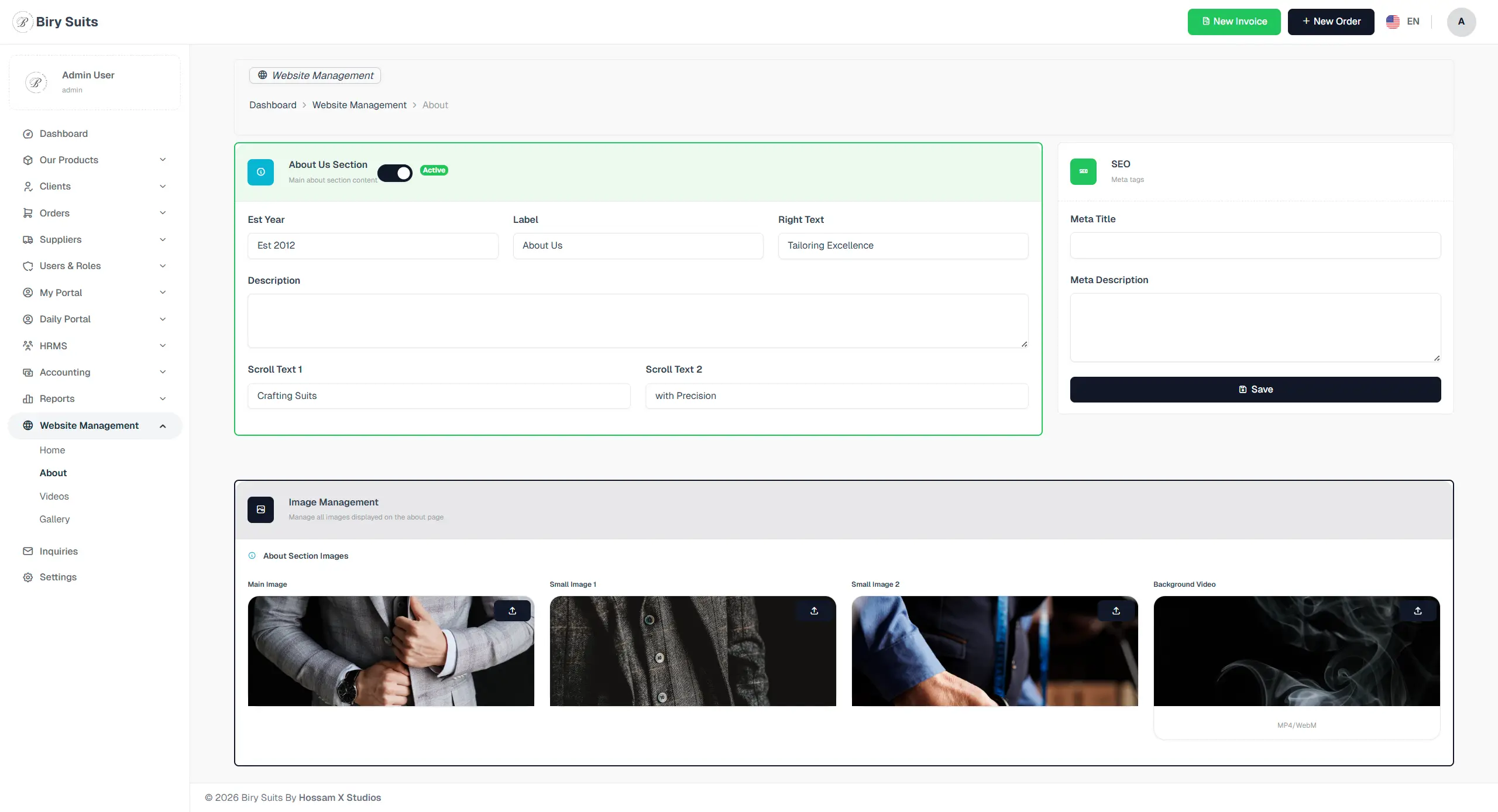
About us section
Leads from the public contact form land here — assignable, status-tracked, exportable to the CRM. Every submission is timestamped, IP-logged and tagged with its originating page.
- Inbox tied to the public contact form
- Assignable owner with status workflow
- One-tap export into the Clients CRM
- Source-page tagging and IP logging
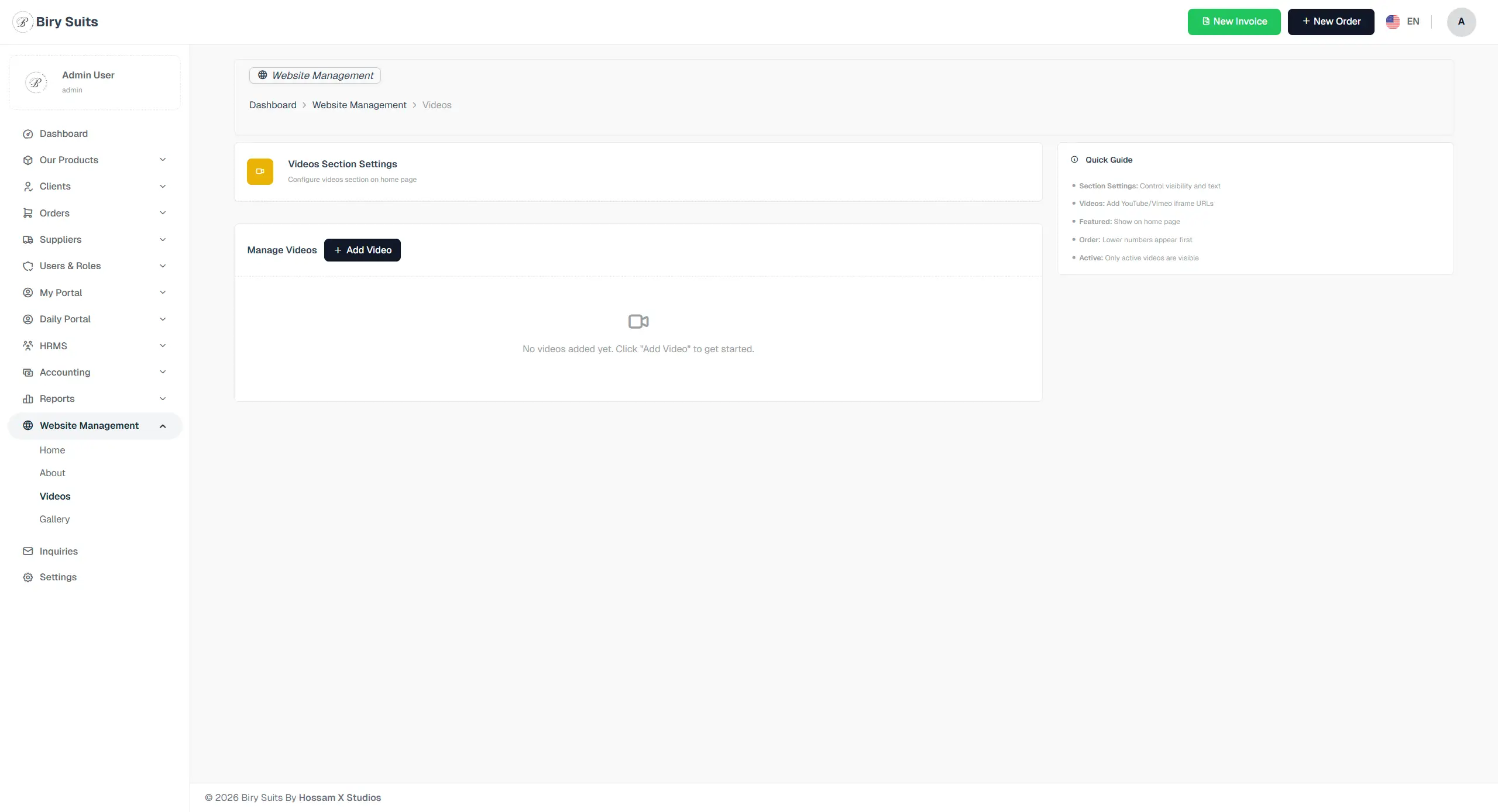
videos section
Role-based access control with per-department permission templates — so a marketing user can edit gallery content but never touch payroll, and an accountant can run reports but never publish a hero banner.
- Per-department permission templates
- Granular per-module access toggles
- Audit trail of role assignments
- Inactivity lockout + password rotation
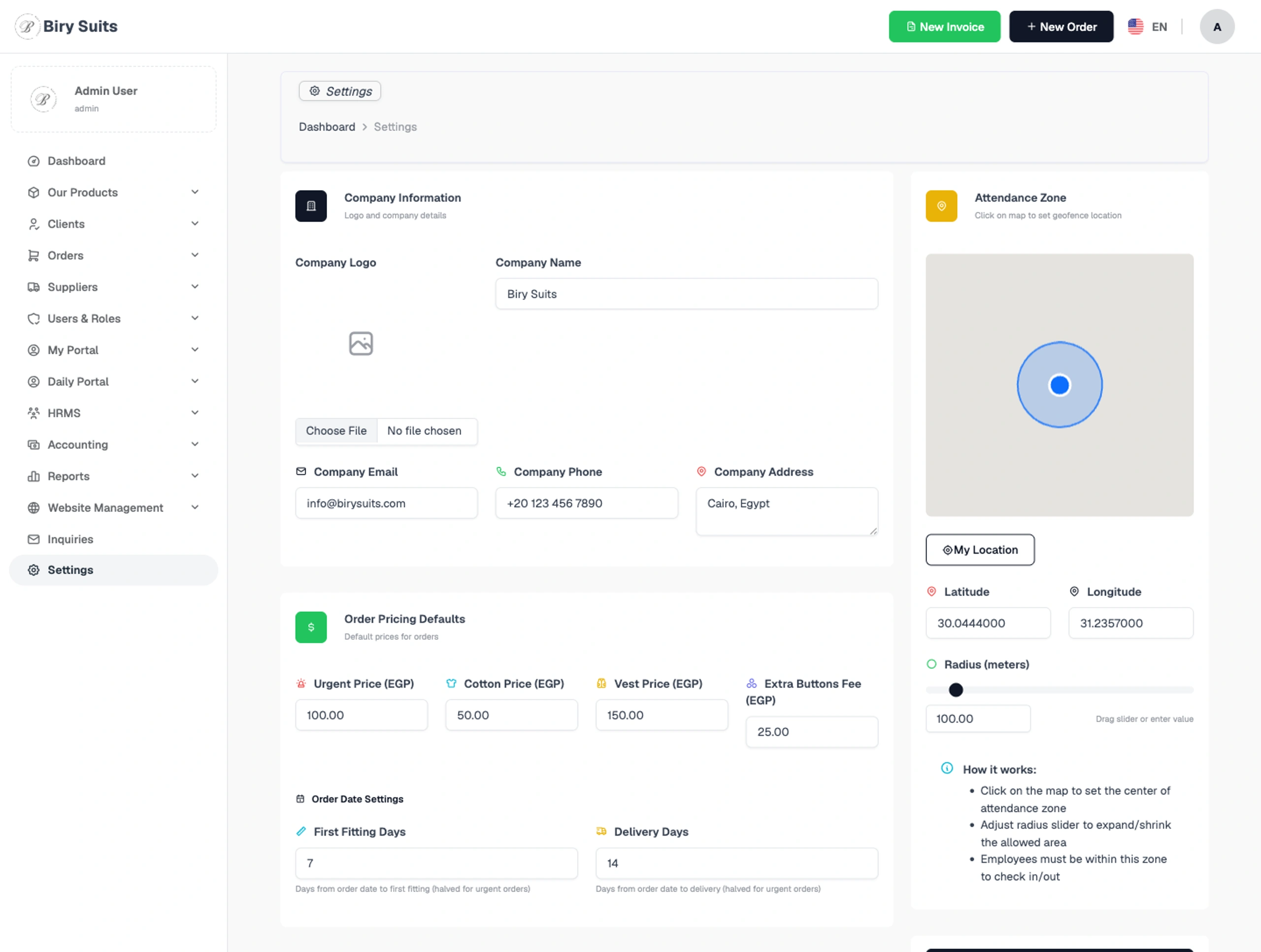
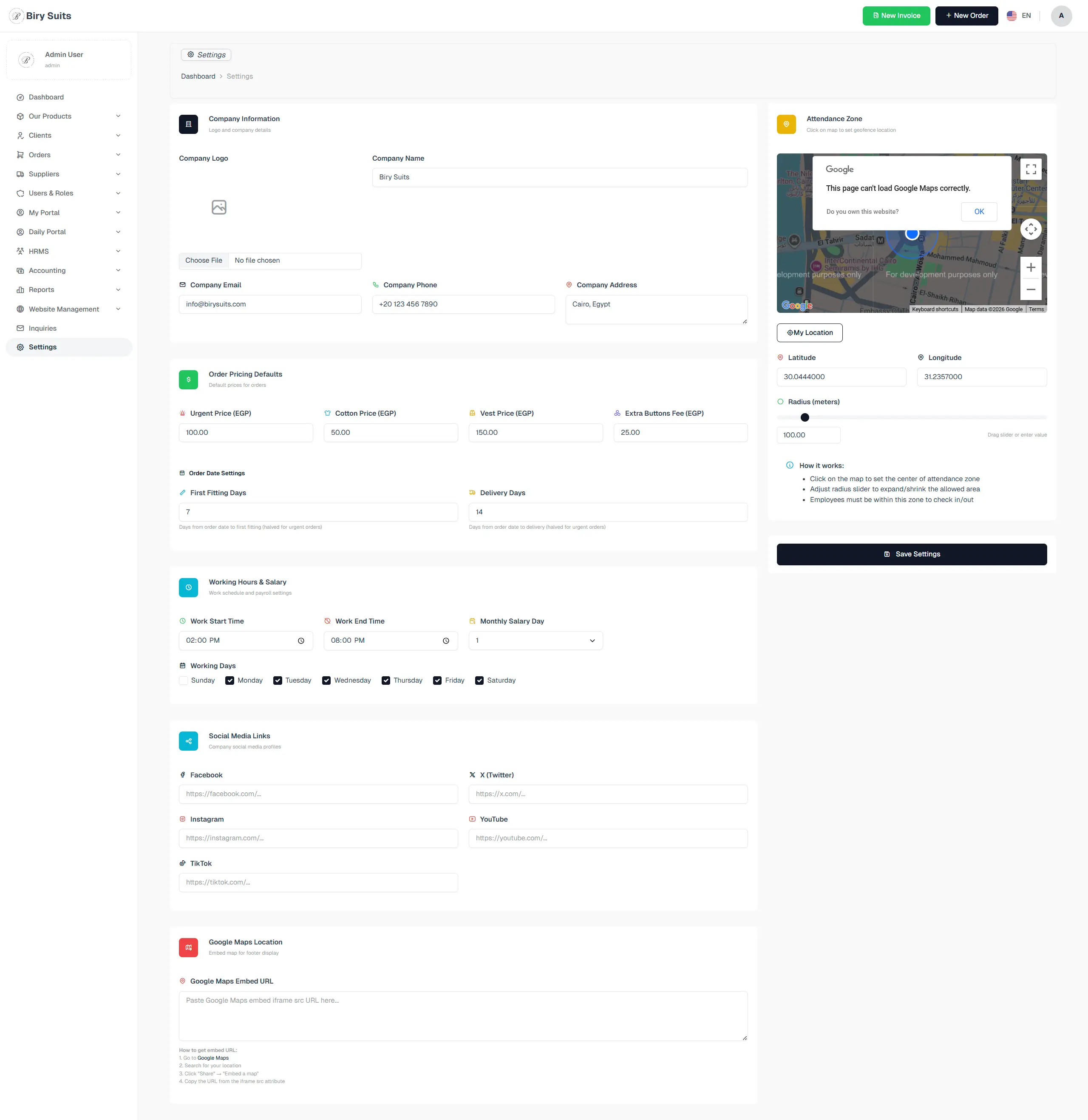
Settings
System-wide configuration — branding tokens, locale defaults, currency, tax rates, fiscal year setup, working calendar — all in one place, all version-tracked.
- Branding tokens (palette, logo, favicons)
- Locale, currency and tax configuration
- Fiscal-year and working-calendar setup
- Notification, SMTP and webhook config
Jump to another chapter
Need a cms like this?
We design and build digital experiences and admin systems tailored to how your business actually runs — not how a generic SaaS thinks it should.