





LMS — Learning Experience
The Blndd LMS treats online lessons, in-class workshops and private partner courses as three views of the same domain. A trainee opens a personal learning dashboard, browses courses, drills into course details, watches lesson videos, sits section quizzes, and tracks progress to completion — while in-class workshops and private per-partner courses run off the same instructor and company tables.
Every section, explained.
8 working sections inside LMS — Learning Experience — each one a screen we designed, built and tested in the live system.
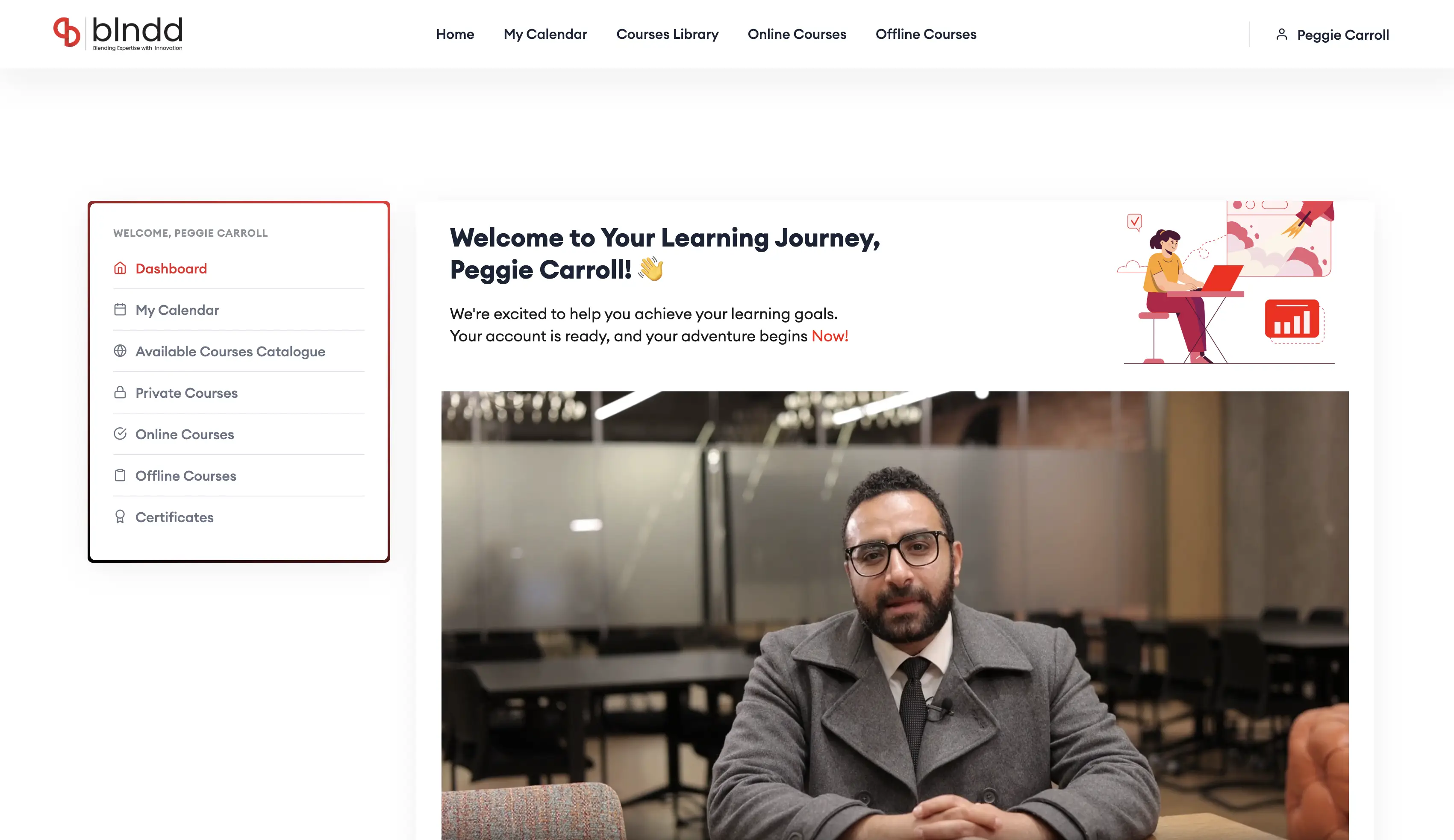
Learning Dashboard
The trainee’s home base — enrolled courses, resume-where-you-left-off, upcoming sessions and progress at a glance, all scoped to the company’s subscription plan and feature quotas.
- Personal enrolled-course shelf with resume
- Progress and next-up surfaced on entry
- Scoped to company plan + feature quotas
- One launchpad into every learning mode
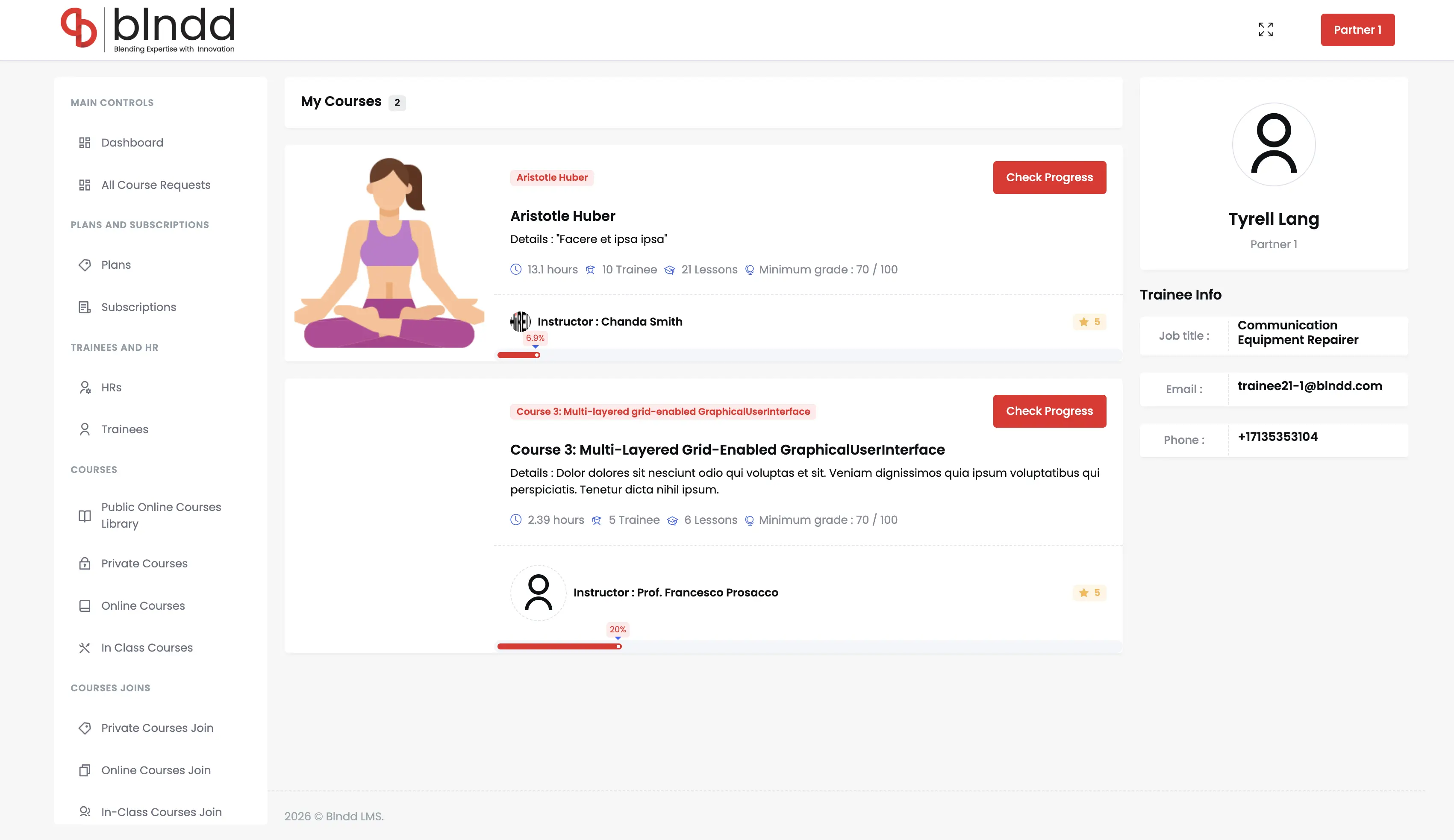
My Courses & Catalogue
The browseable catalogue of all 13 online courses and 6 in-class workshops — filterable by topic area (Project Management, Leadership, Marketing, Sales, Communication) and surfacing instructor, hours and audience per card.
- 13 online courses + 6 in-class workshops
- Filter by topic area and delivery mode
- Per-course instructor, hours and audience
- Drives directly off the admin Courses tables
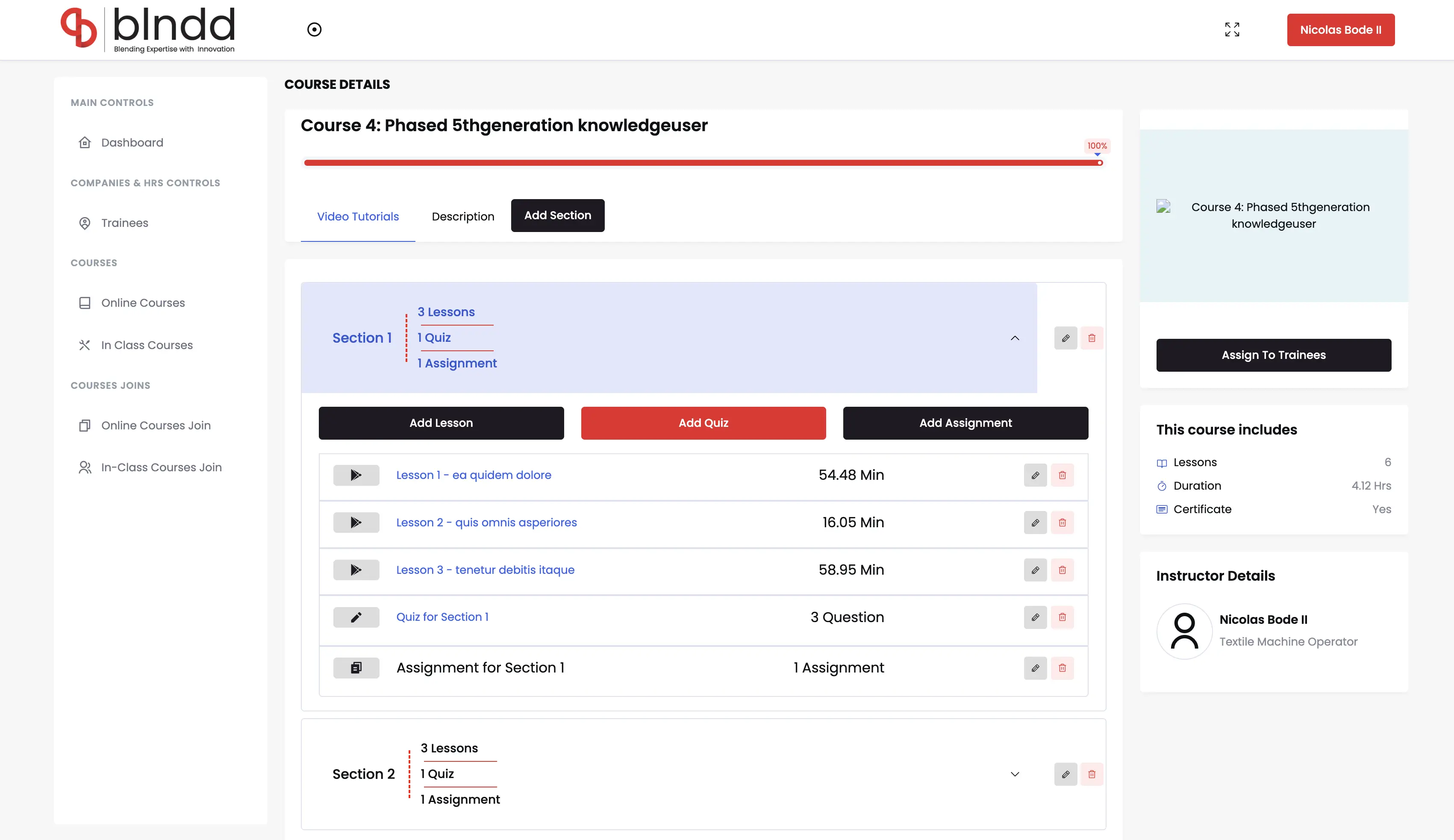
Course Details
The course detail page — full curriculum outline, lesson list, assigned instructor, hours and target audience — the decision screen a trainee or HR manager uses before enrolling.
- Full curriculum + lesson breakdown
- Assigned instructor and hours
- Target audience and prerequisites
- Enrol straight from the detail view
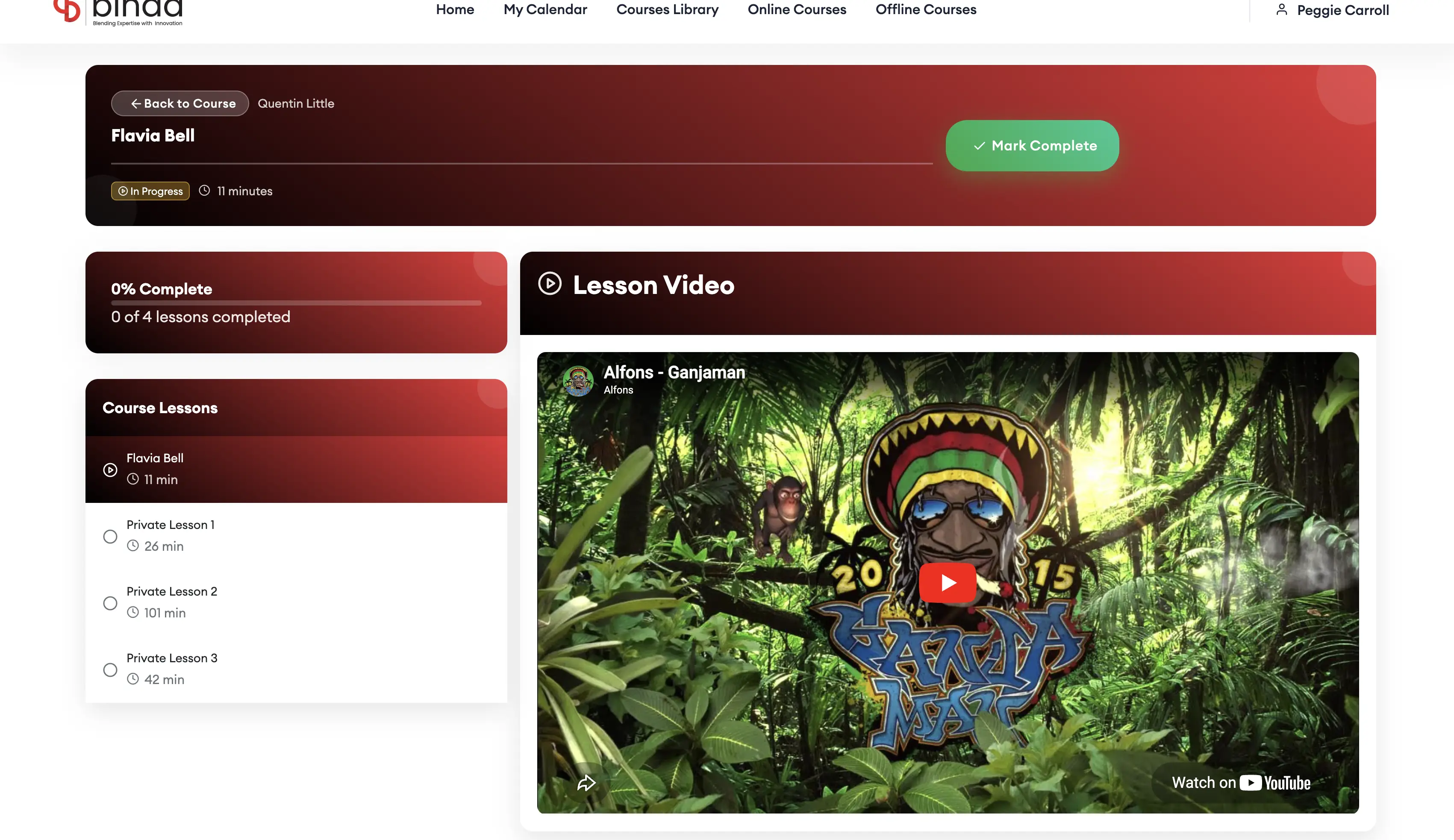
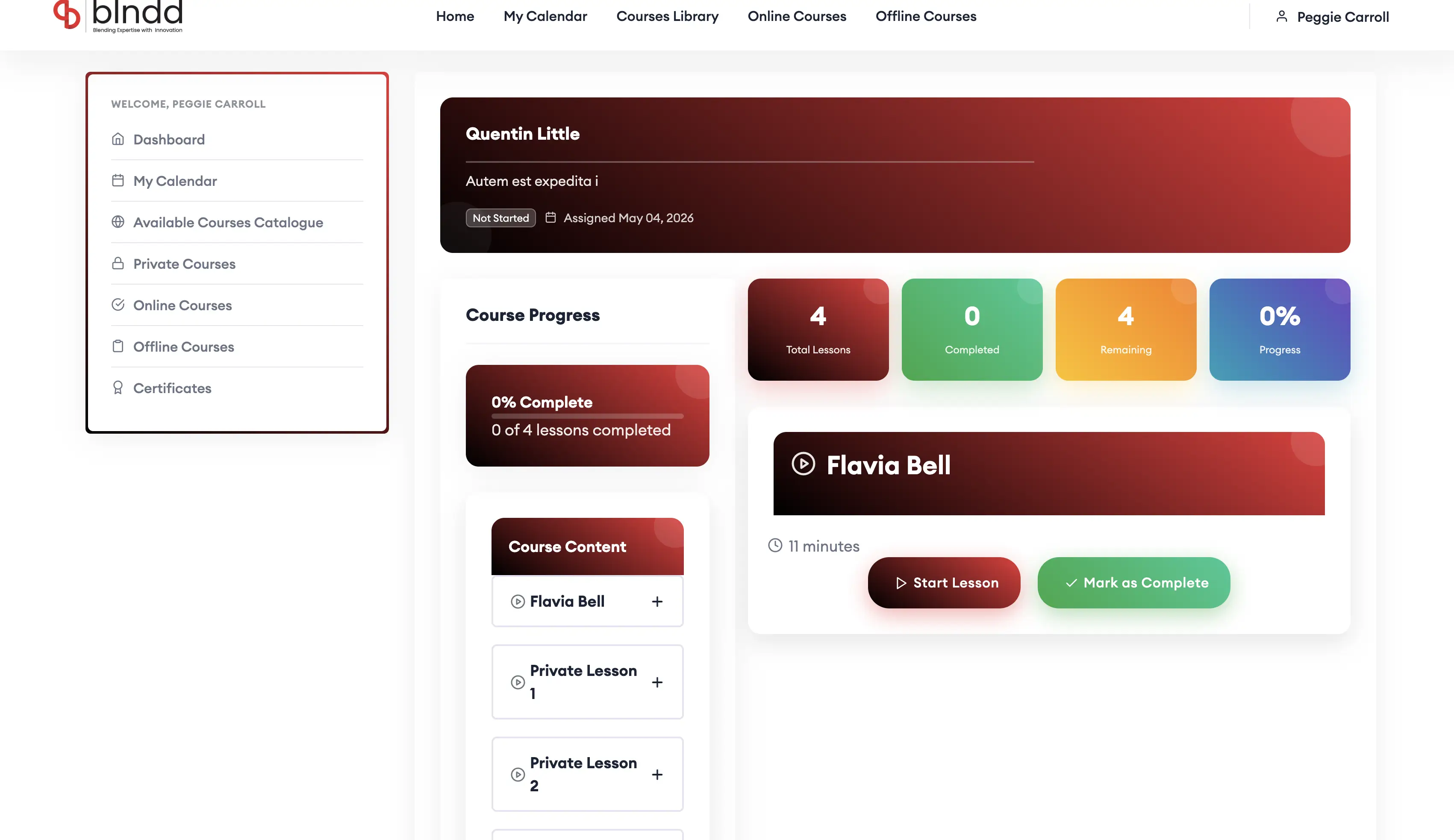
Lesson Video Player
The lesson player — structured video lessons with resume, in-lesson resources and a learning path that ties each play back to the company’s subscription plan and feature quotas.
- Structured video player with resume
- In-lesson resources and notes
- Learning path tied to company plan
- Feature quotas enforced at the play layer
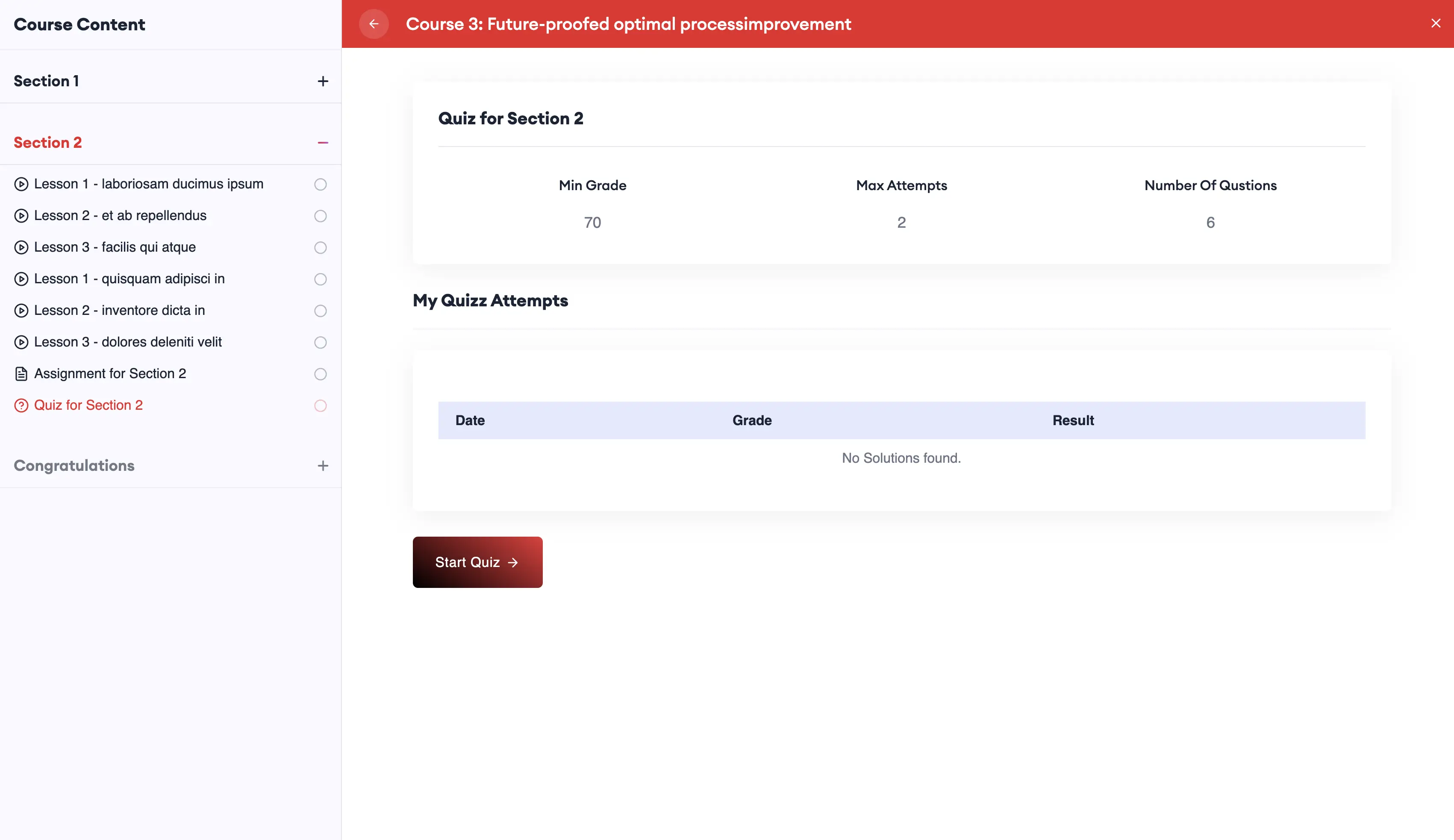
Section Quizzes
Per-section quizzes gate progress and prove comprehension — scored automatically, feeding the trainee’s completion percentage and the admin’s performance analytics.
- Per-section quizzes gating progress
- Auto-scored with instant feedback
- Feeds per-course completion percent
- Rolls up into admin performance analytics
Course Progress & Summary
A clear progress view per course — percent complete, lessons remaining and quiz results — with a course summary that closes out completion and certification.
- Per-course progress percent tracker
- Lessons-remaining and quiz results
- Completion + certification summary
- Accountability per trainee and company
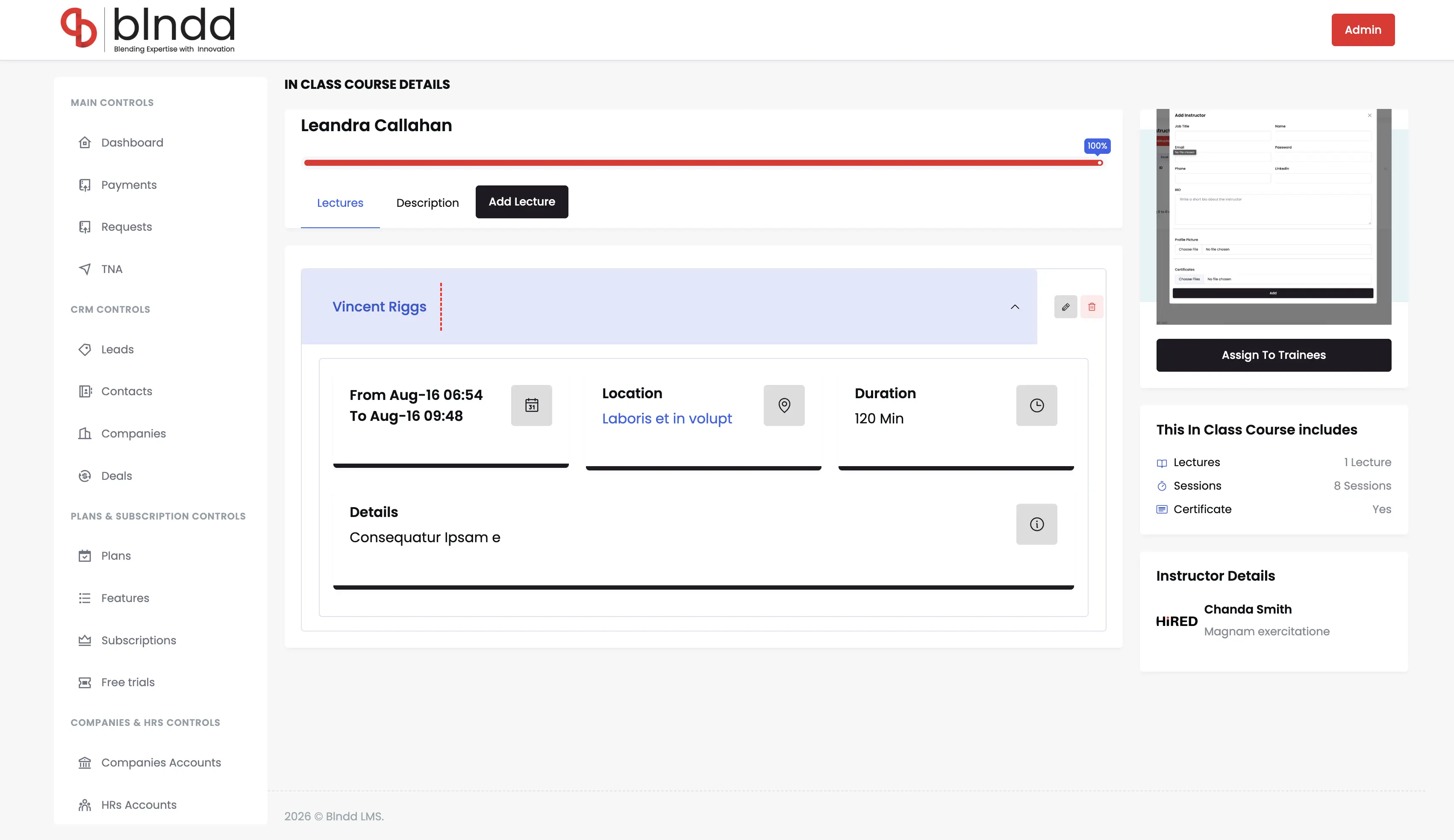
In-Class Workshops
End-to-end workshop management for the 6 in-class courses — trainees enrolled per session, multi-day schedules, instructor mapping and partner-company assignment, all on the same records as the online side.
- 6 workshops with 105+ trainees enrolled
- Multi-day training programs per workshop
- Per-session instructor + partner-company mapping
- Shared trainee, instructor and company tables
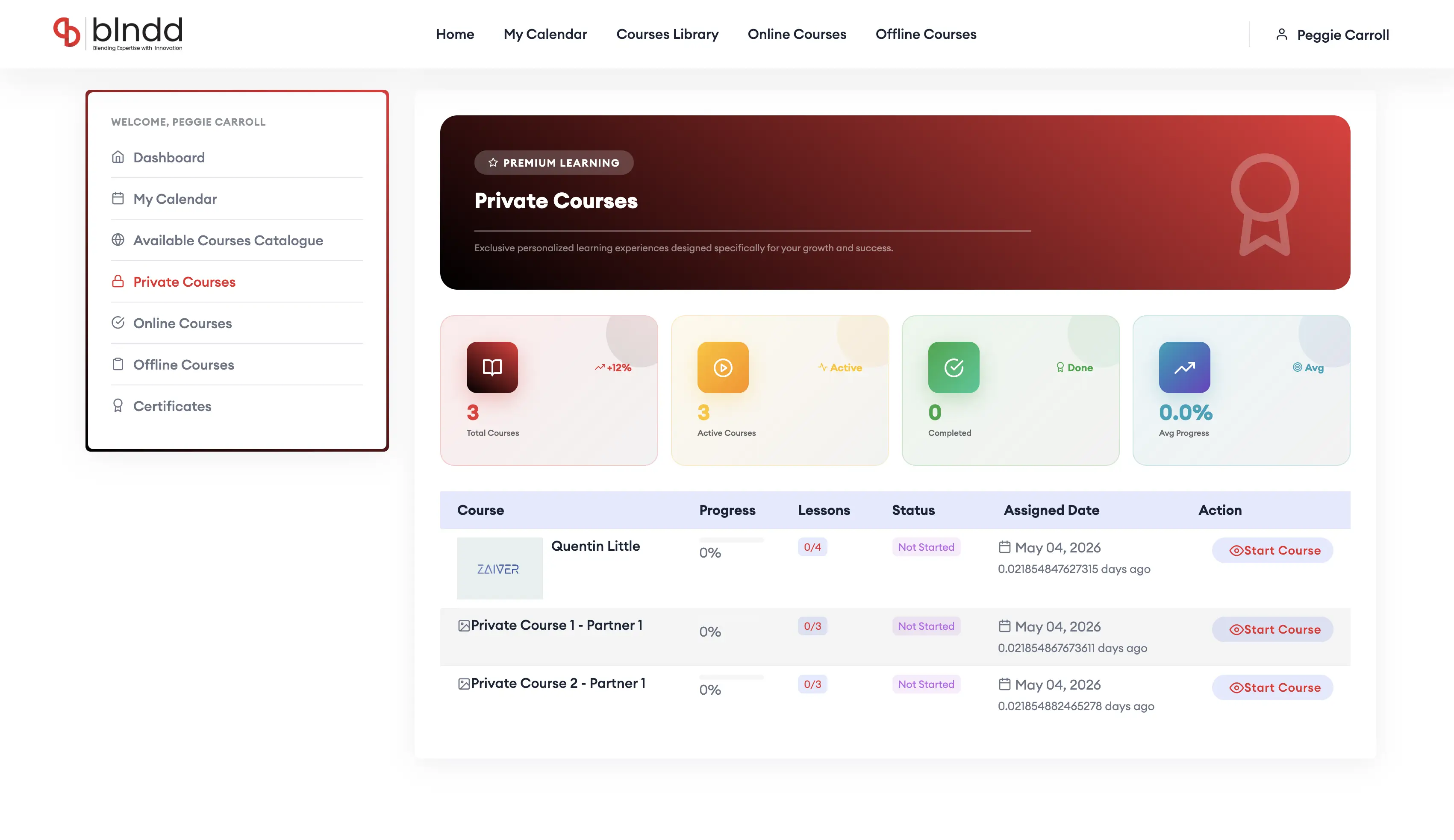
Private Courses
Custom, exclusive learning content built for individual partner companies — 3 to 8 lessons each, assigned trainees and active status — surfaced only to the partner’s own HR account.
- Per-partner private course library
- 3–8 lessons + assigned trainees per course
- Active / inactive status flags
- Surfaced only to the partner’s HR account
Jump to another chapter
Need a lms — learning experience like this?
If your team is running training on spreadsheets, instructor calendars and a dozen vendor portals, that's exactly the build we just shipped. Let's talk about consolidation.