





Consultation
ExCraft sells advisory expertise alongside its goods, and the consultation module is the surface for it: the public site lists subjects, clients book a session, the back office assigns an expert, and the entire history per client is one click away — with every paid session reconciled into the accounting income sources.
Every section, explained.
3 working sections inside Consultation — each one a screen we designed, built and tested in the live system.
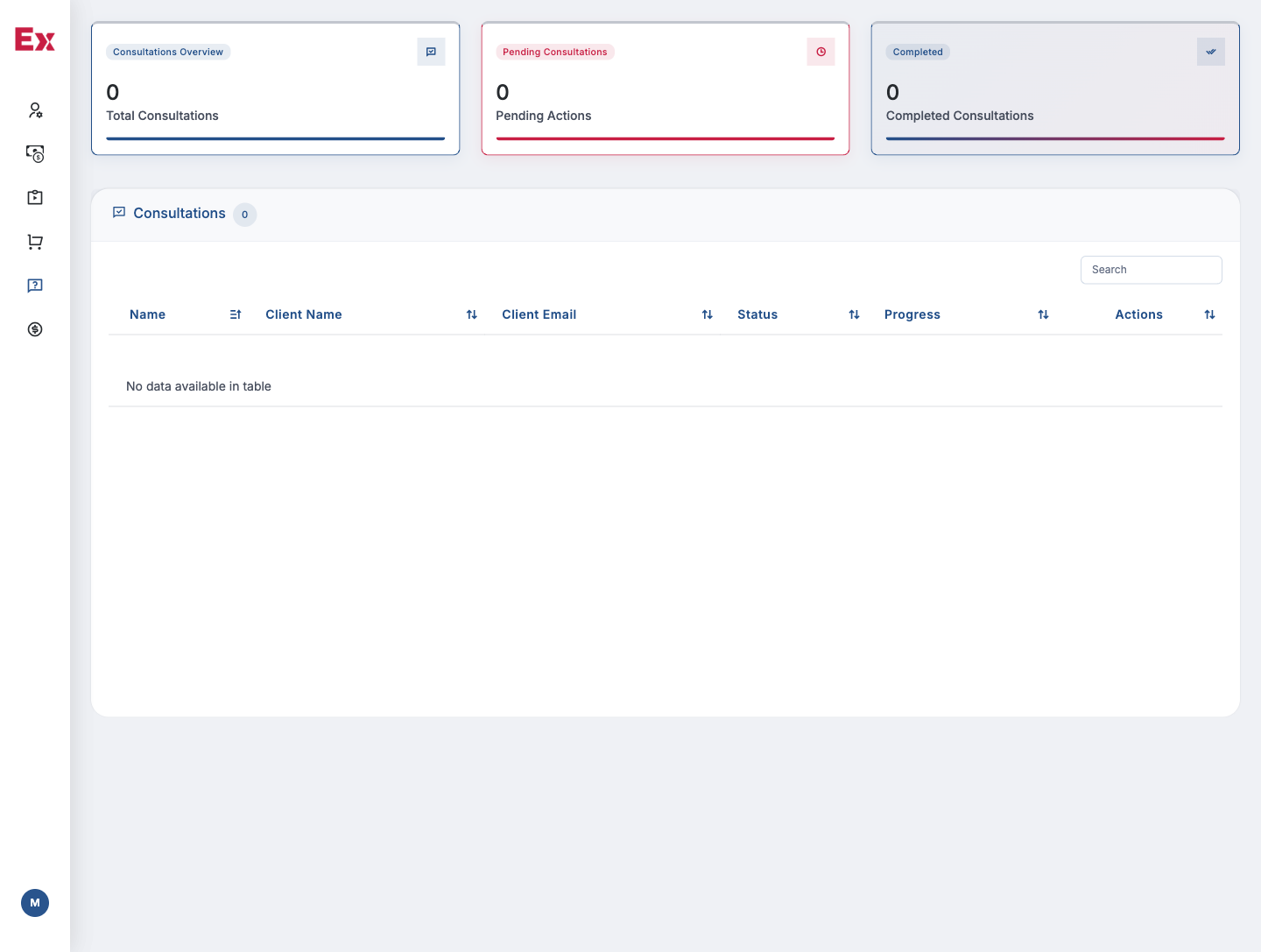
Consultation Sessions
The active sessions board — with assigned expert, client, subject, fee, scheduled time and status, all editable inline so the back office can run the day from one screen.
- Inline assign of expert and client
- Per-session subject, fee and scheduled time
- Status pipeline: requested, scheduled, done, cancelled
- Reconciled into accounting income sources
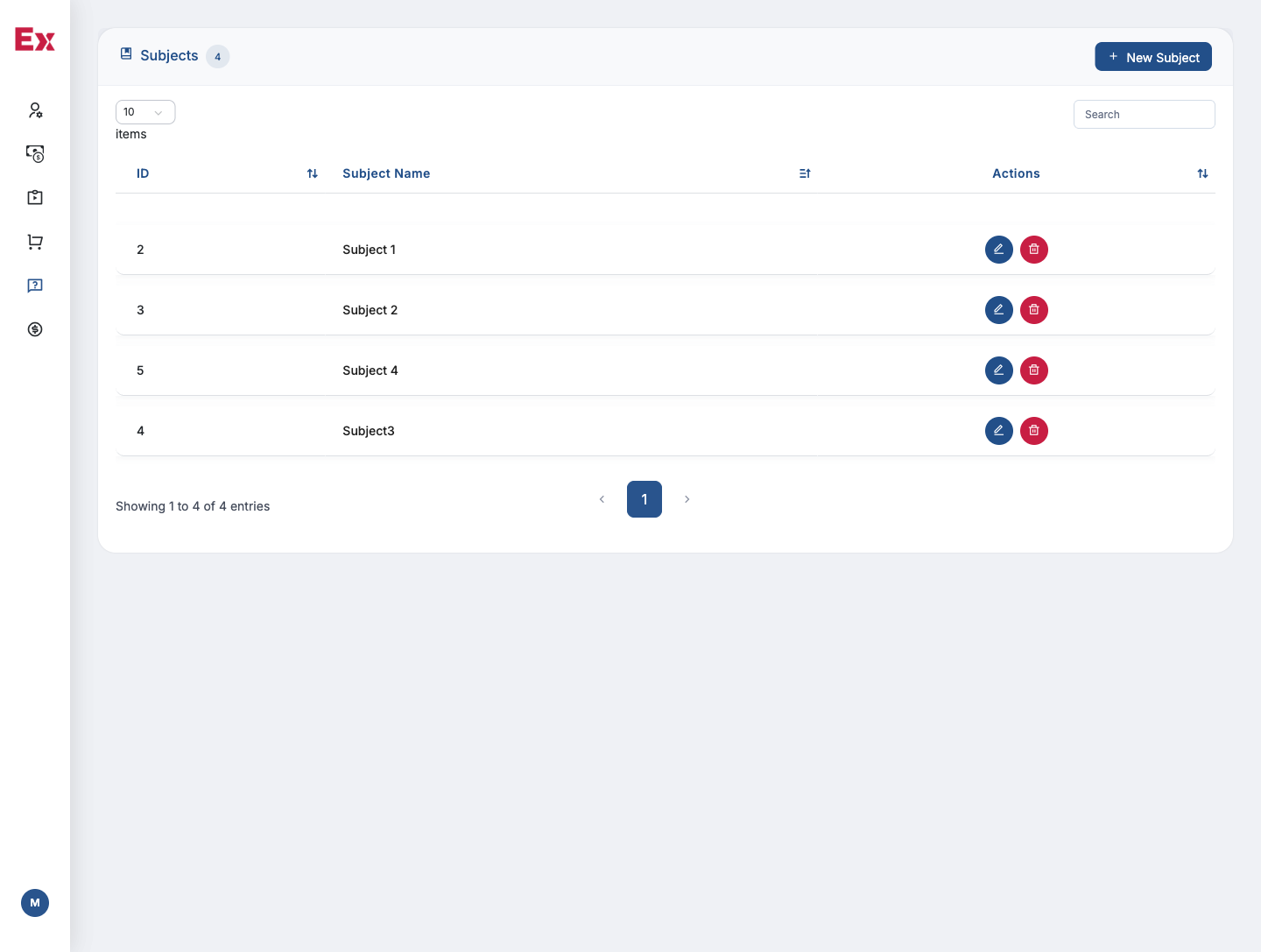
Consultation Subjects
A curated subject taxonomy — export advisory, logistics, regulatory, finance — the public site lists, with per-subject experts and copy editable in place.
- Per-subject expert roster and short bio
- Public-site copy, banner and SEO metadata
- Per-subject base fee and currency
- Visibility and feature flags per subject
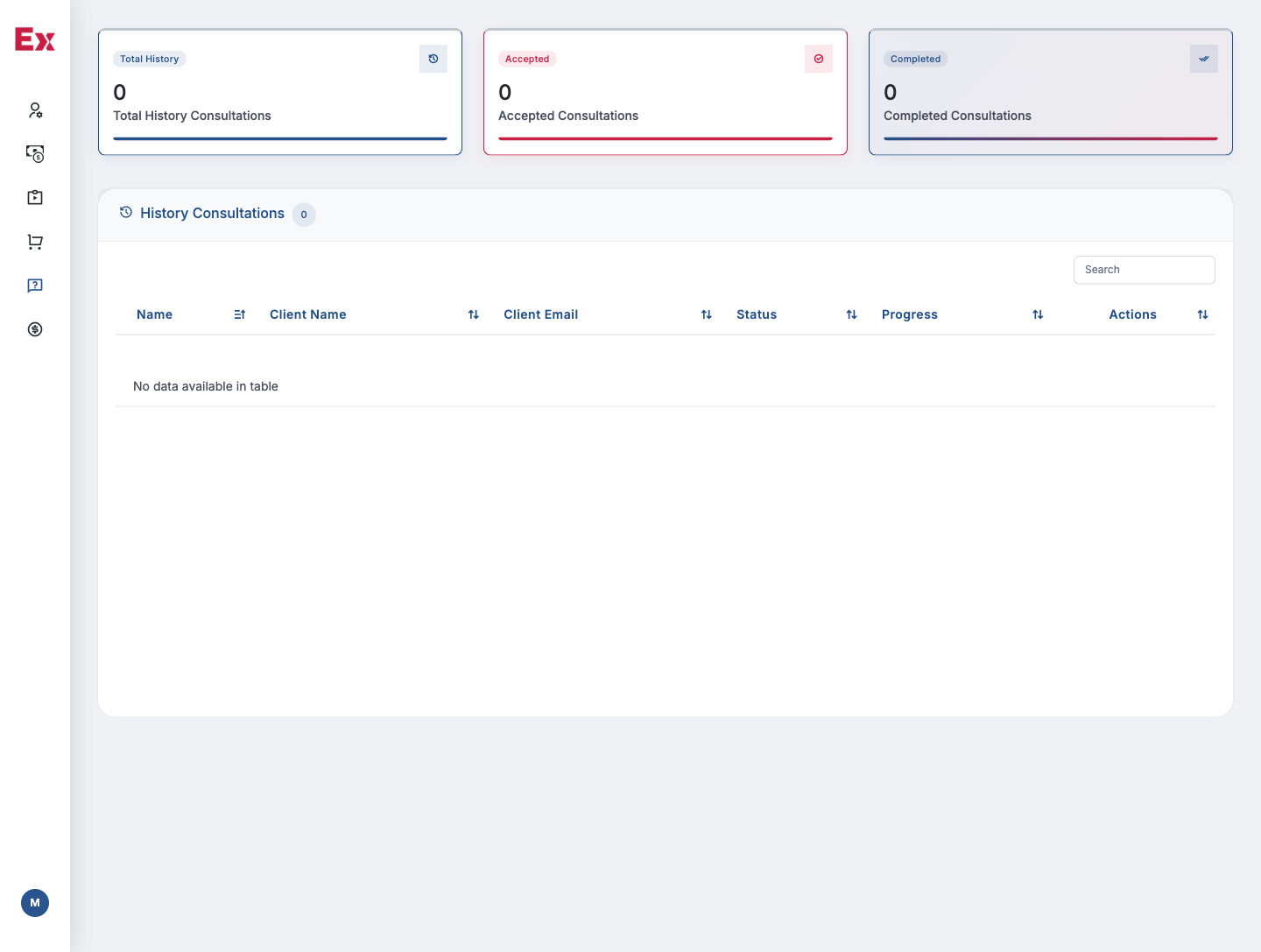
Consultation History
A per-client log of every session, fee and outcome — the team opens it before every follow-up call, and the CRM reads the same record when scoring a deal.
- Per-client list of every past session
- Per-session outcome, attachments and note
- Linked CRM lead and deal records
- Per-client filter, search and export
Jump to another chapter
Need a consultation like this?
We design and build website, LMS, ecommerce, accounting, consultation and CRM systems tailored to how your operation actually runs — not how a generic SaaS thinks it should.